Prerequisites
If you are replacing a component, remove the existing component before performing the installation procedure.
About this task
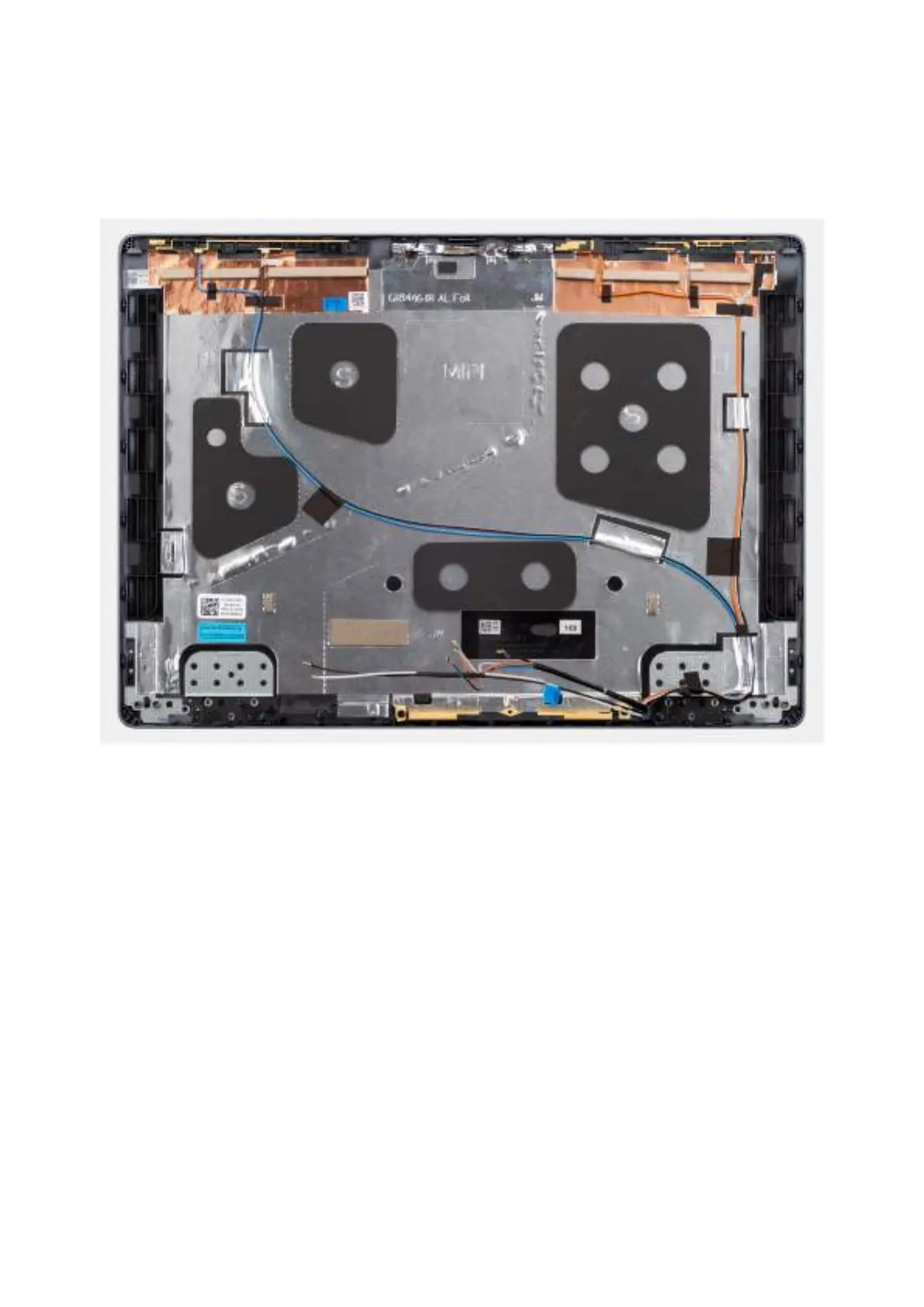
The image below shows the display back-cover and antenna assembly.
Figure 77. Display back-cover and antenna assembly
Steps
Place the display back-cover and antenna assembly on a flat surface and perform the Next steps to install the display
back-cover and antenna assembly.
Next steps
1. Install the camera.
2. Install the display cable.
3. Install the display hinges.
4. Install the display panel.
5. Install the display bezel.
6. Install the display assembly.
7. Install the WWAN module, if available.
8. Install the wireless card.
9. Install the base cover.
10. Follow the procedure in After working inside your computer.
110
Removing and installing Field Replaceable Units (FRUs)



 To Next Page