3. Locate and use Dell apps from the Windows Start menu—Recommended.
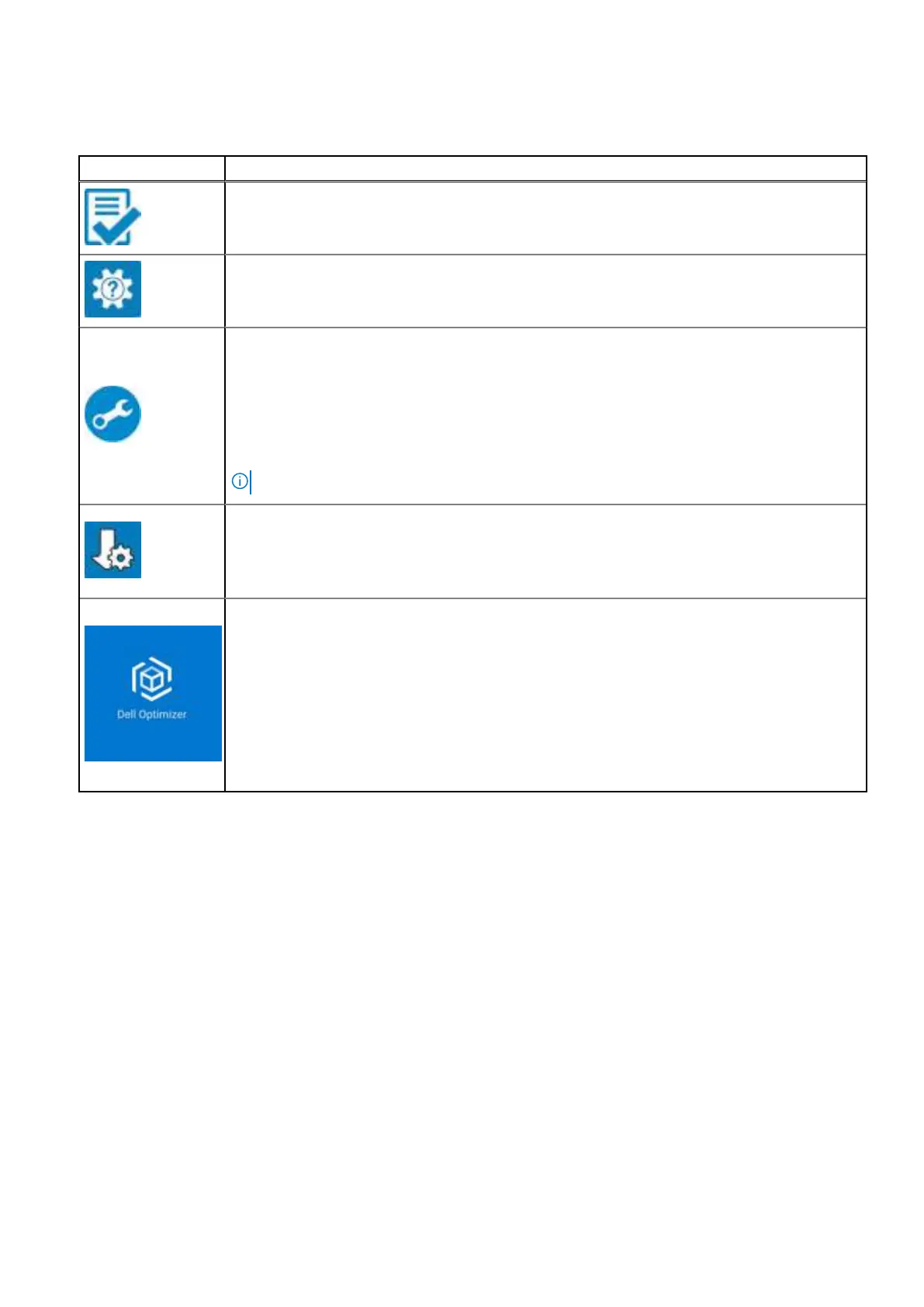
Table 2. Locate Dell apps
Resources Description
Dell Product Registration
Register your computer with Dell.
Dell Help & Support
Access help and support for your computer.
SupportAssist
SupportAssist keeps your computer running at its best by optimizing settings, detecting issue,
and removing viruses. It also notifies when updates are available for your computer. SupportAssist
proactively checks the health of your computer hardware and software. When an issue is detected,
the necessary system state information is sent to Dell to begin troubleshooting. SupportAssist
is preinstalled on most of the Dell devices running the Windows operating system. For more
information, see Support Assist documentation at Dell Support Site.
NOTE: In SupportAssist, click the warranty expiry date to renew or upgrade your warranty.
Dell Update
Updates your computer with critical fixes and latest device drivers as they become available.
For more information about using Dell Update, see the product guides and third-party license
documents at Dell Support Site.
Dell Optimizer
Dell Optimizer is an AI-based software application that allows you to customize your computer
settings for power and battery, and more.
For Dell Pro Max 16 MC16250 with Dell Optimizer, you can:
● Tune the performance, power consumption, cooling, and fan noise with selectable thermal
modes.
● Download and redeem the apps that are purchased with your computer.
For more information about configuring and using these features, search for Dell Optimizer at Dell
Support Site.
14 Set up your Dell Pro Max 16 MC16250



 To Next Page