2. Remove the base cover.
3. Remove the wireless card.
4. Remove the WWAN module, if available.
5. Remove the display assembly.
6. Remove the display bezel.
About this task
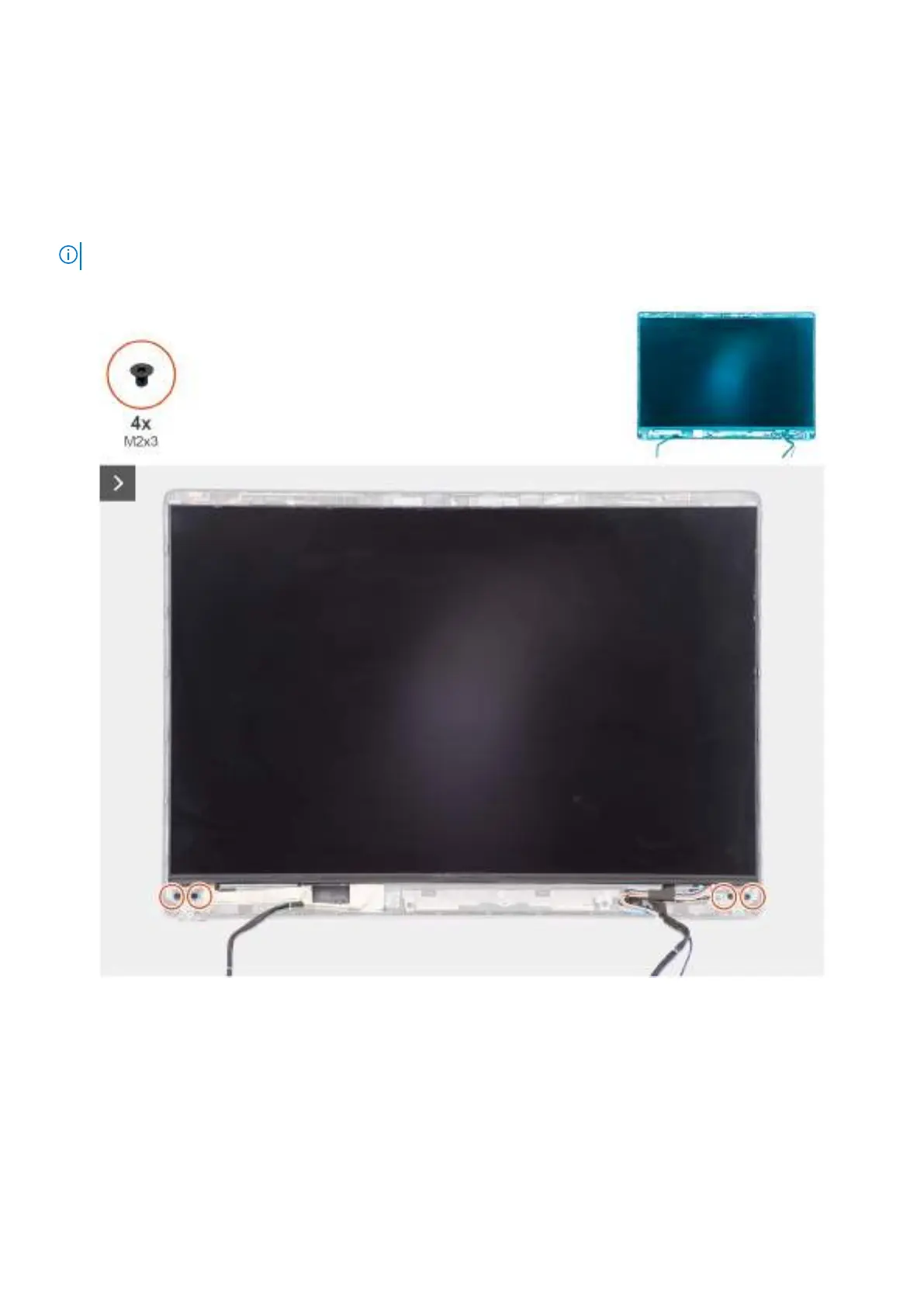
NOTE: The display panel is assembled with the display-panel brackets as a single service part.
The following images indicate the location of the display panel and provide a visual representation of the removal procedure.
Figure 64. Removing the display panel
Removing and installing Field Replaceable Units (FRUs)
97



 To Next Page