Chapter 5 Writing Programs
83
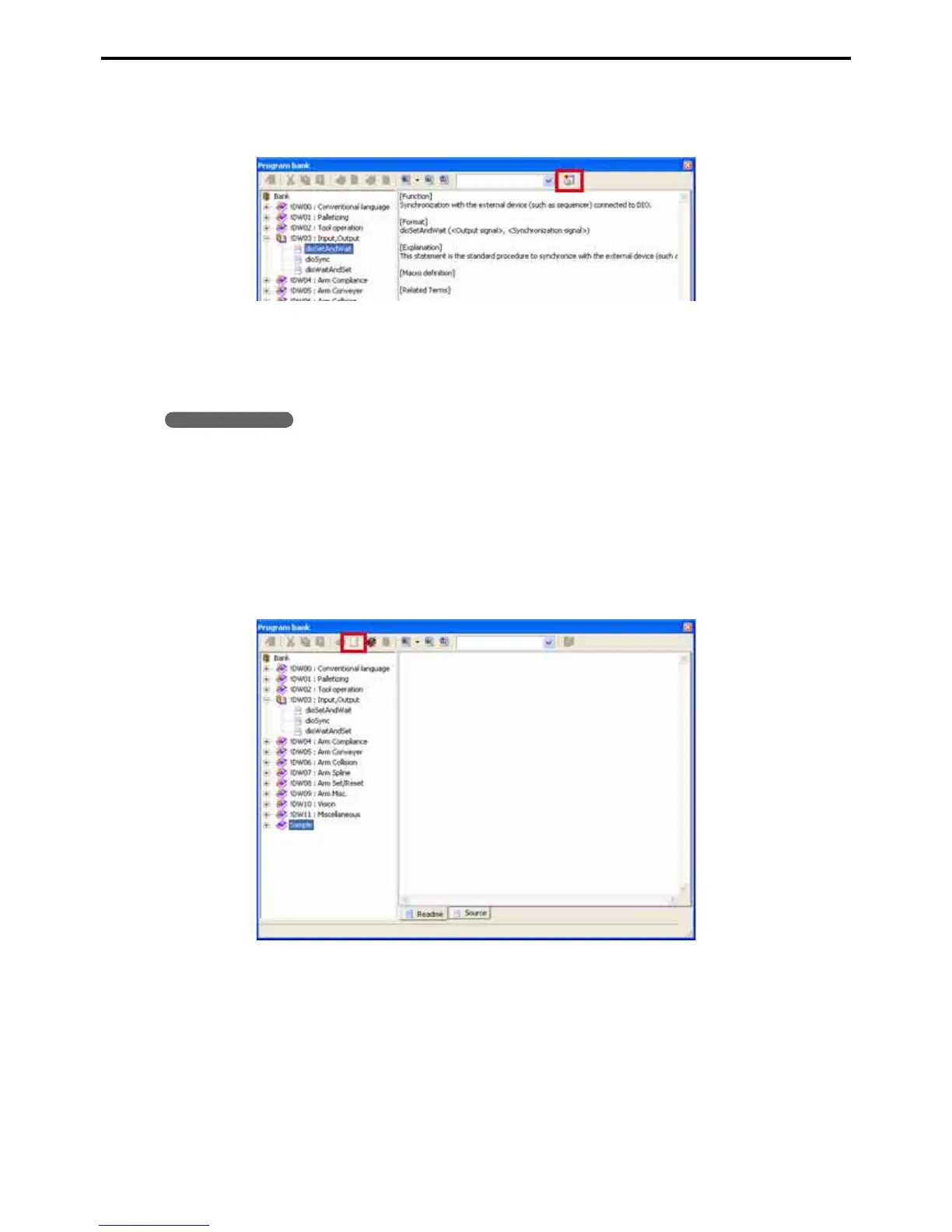
3. Press the Add program button to add the program to the folder selected in the Project win-
dow. Other programs within the project can then access this program with CALL state-
ments.
5.5.2 Adding a program to the program bank
The following procedure adds a user program to the bank register.
Operating procedure
1. Choose Project|Program Bank to display the dialog box.
2. Select the category.
The first dozen categories, with names starting with exclamation points (!DW00 to !DW11: Miscellaneous)
are locked, so choose another category.
To add a new category, refer to 5.5.3 "Adding a category" (P. 84).
3. Press the Add program button to display the Add title dialog box.



 To Next Page