164
Chapter 9 Vision Manager
9.2.10 Labeling
This function labels objects within the specified window.
This procedure uses the thresholds specified with the Register digitization settings screen.
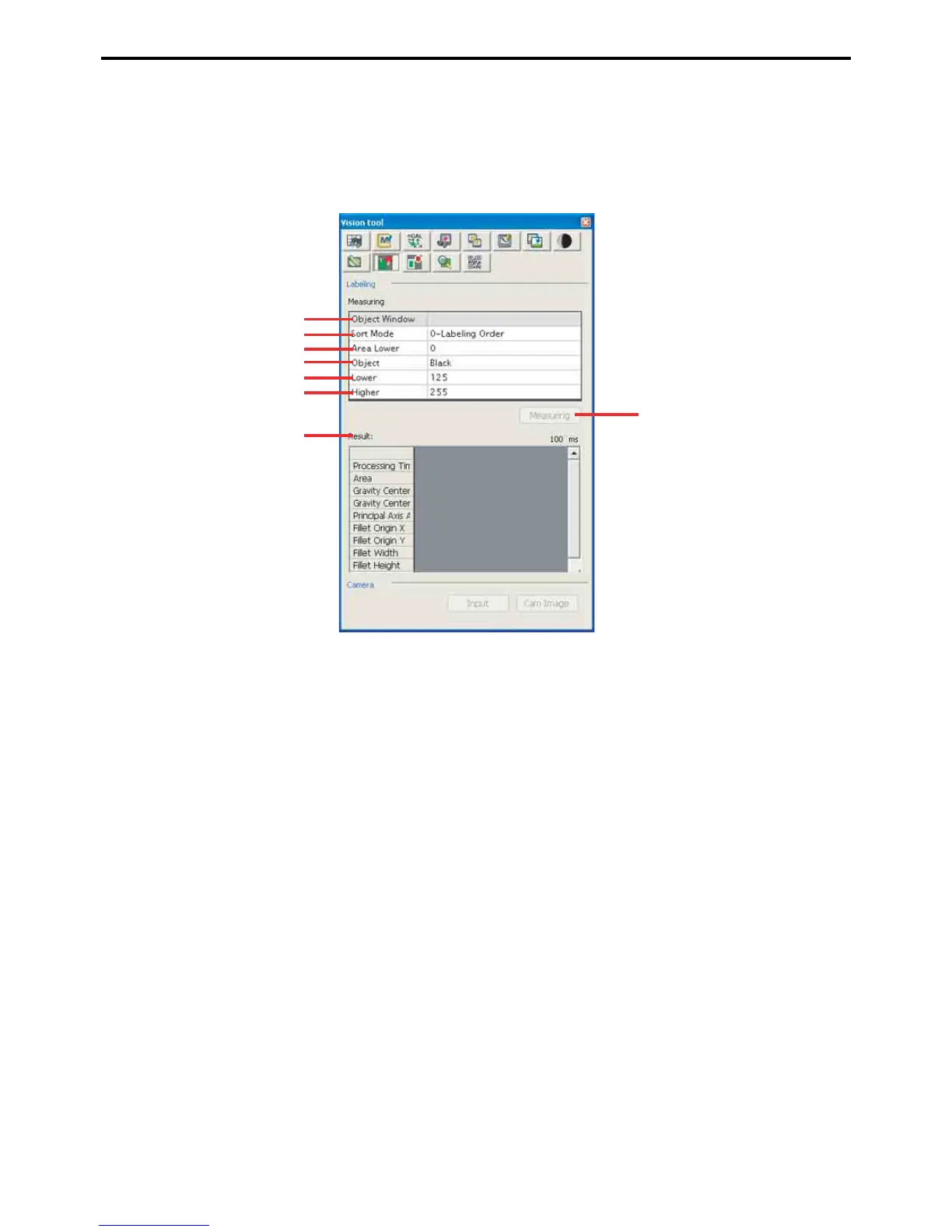
Labeling settings screen
A: Target window
This field specifies the window range to measure.
B: Sorting order
This field specifies the display order for the results.
C: Area cutoff
Only objects larger than this value qualify.
D: Color
This field specifies the color to use: white or black.
E: Digitization upper threshold
F: Digitization lower threshold
These two fields display/specify the digitization thresholds for image analysis.
G: Measure
This button is for finding and labeling objects in the window.
H: Results
This area displays a list of measurement results.
G
A
B
C
D
E
F
H



 To Next Page