Chapter 4 Creating a Project
67
4.8.2 Writing data into USB memory
Follow the FDTool wizard to write data into a USB memory.
Operating procedure
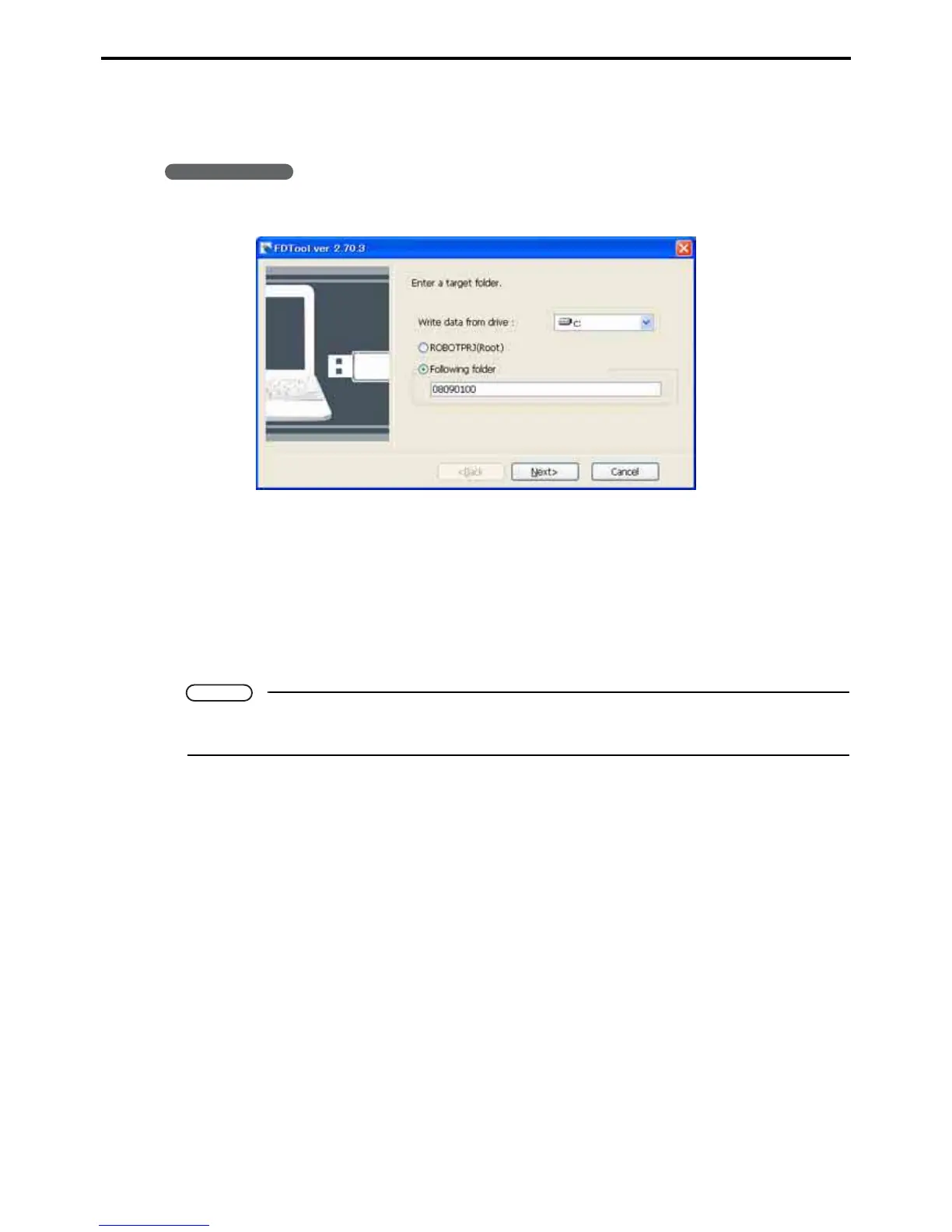
1. Select Tool|USB|Write to start the FDTool wizard.
Write data into drive
This field specifies a drive for writing into a USB memory.
ROBOTPRJ (Root)
This radio button is for writing the entire project file into a USB memory.
Following folder
This radio button is for specifying a folder in the project and writing data held in the folder into a USB
memory.
Note
When writing data into a USB memory, first open a target project and then start the FDTool wizard.
The wizard cannot select an unopened project.



 To Next Page