58
Chapter 4 Creating a Project
4.6 Configuring Parameters
Operating procedure
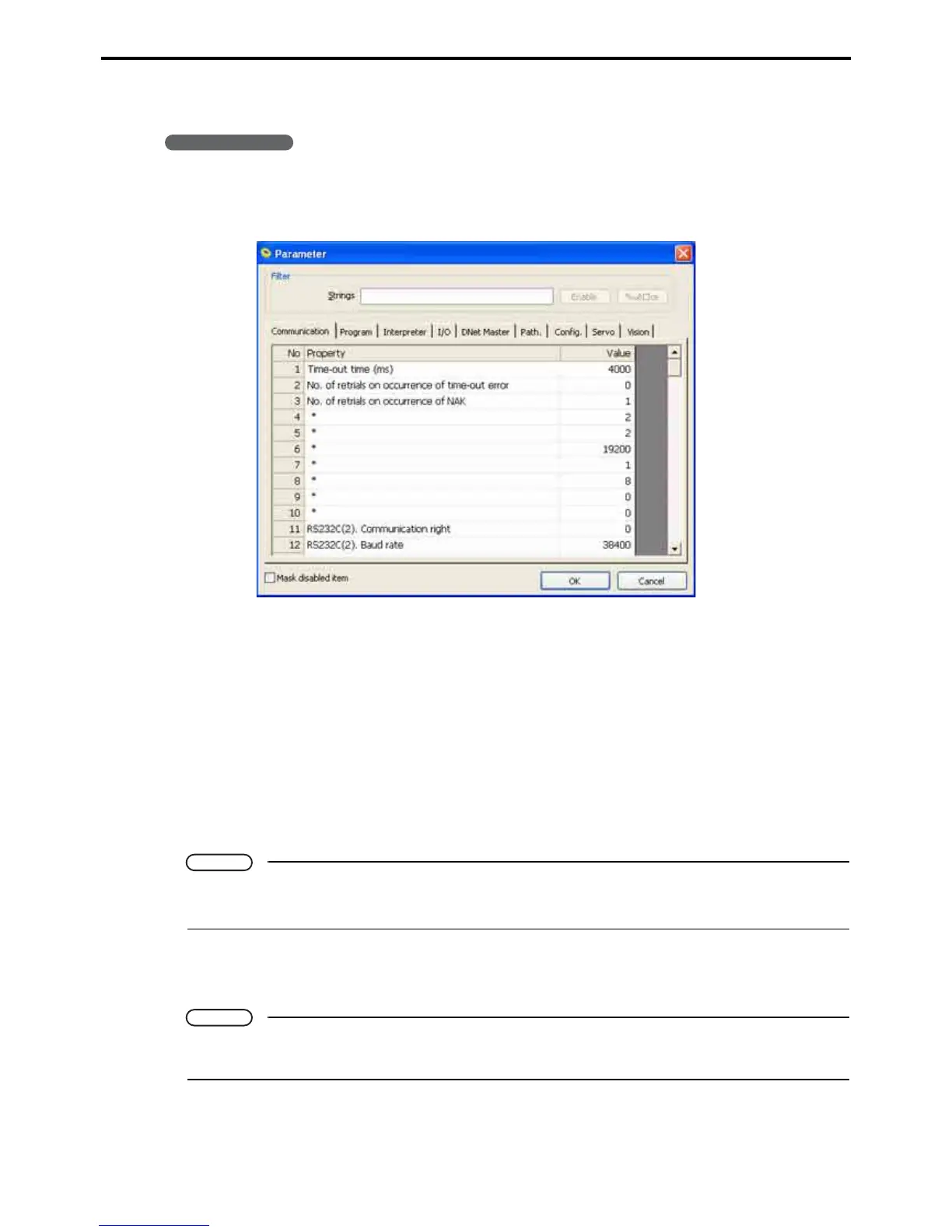
1. Choose Project|Parameters to display the parameter configuration sheets.
2. Click the tab containing the desired configuration option.
The dialog box has the following nine tabs.
• Communication tab
• Program tab
• Interpreter tab
•I/O tab
• DNet Master tab
•Path. tab
• Config. tab
• Servo tab
• Vision tab
Note
• Enabling the filter lists only parameters containing the specified string.
• Selecting the Mask unmodifiable items check box lists only those settings available for editing.
3. When configuration is complete, press the OK button.
Pressing the Cancel button instead discards all changes.
Note
Moving to another tab does not save changes. To save your new settings, always press the OK but-
ton.



 To Next Page