Chapter 6 Arm 3D View Window
101
6.2.3 Importing objects
The following is the procedure for reading in modeling data exported from another project.
Operating procedure
1. Select the parent node for the data.
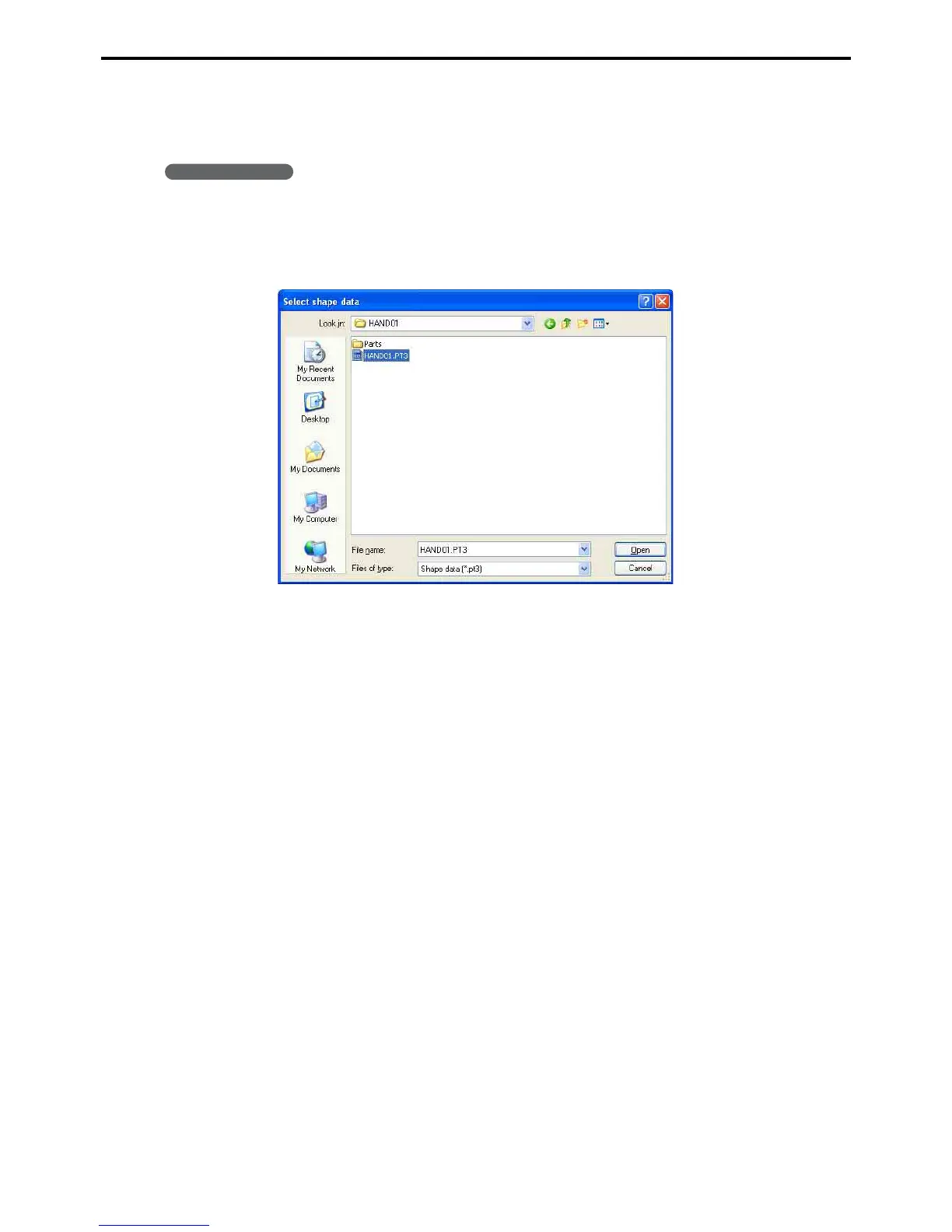
2. Right-click on the object tree and choose Read shape data from the context menu that ap-
pears to display the dialog box for selecting a file to import.
3. Select a file and press the OK button.
Selection is limited to shape files (*.pt3).



 To Next Page