Chapter 1 Overview
7
1.4.4 Uninstalling
The following is the procedure for uninstalling this software.
Operating procedure
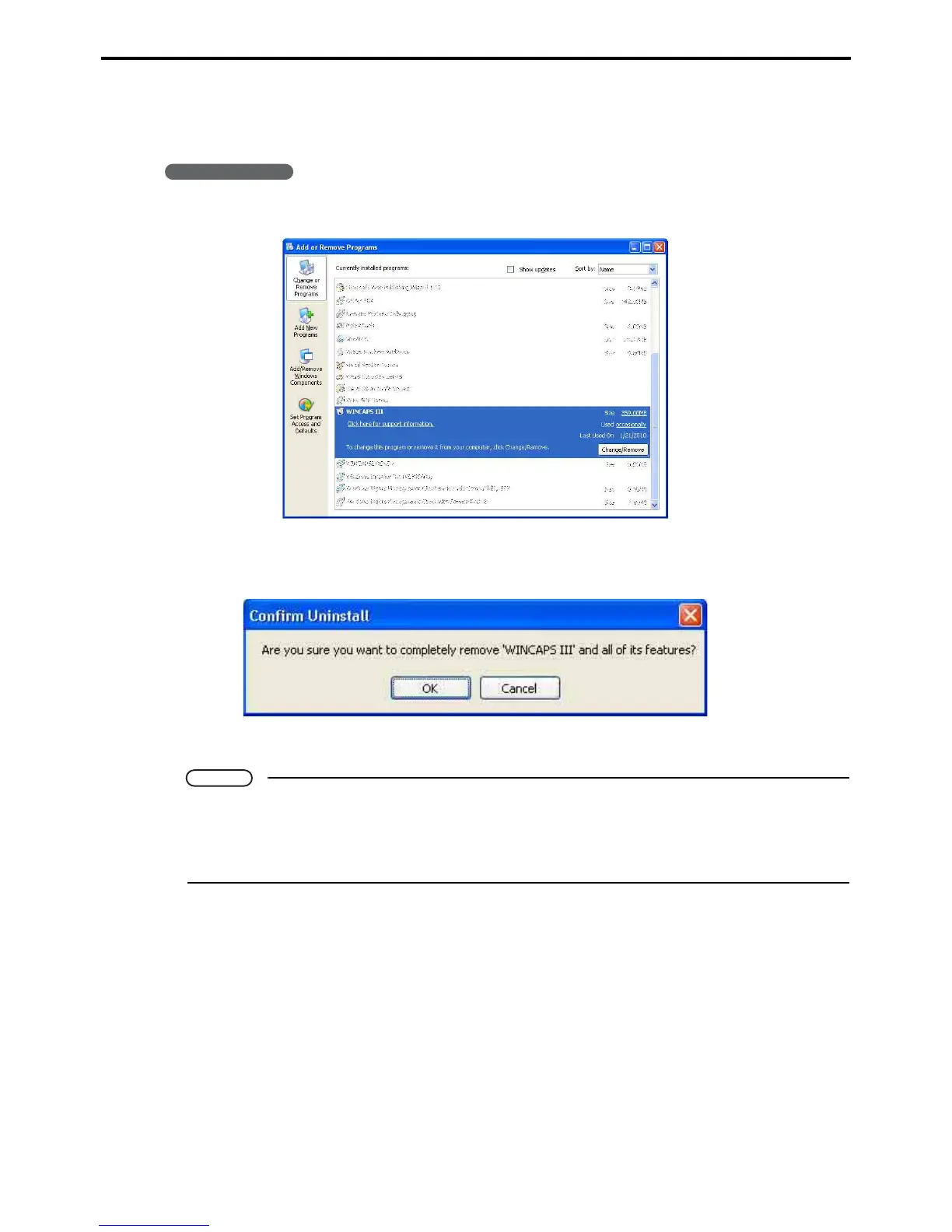
1. From the Start menu, choose Settings|Control panel and then Add or Remove programs.
2. Choose WINCAPS III and then press the Change/Remove button to display a confirmation
dialog box.
3. Press the OK button to proceed with the uninstall operation.
Note
• If a dialog box appears warning of shared files, press the Leave all button.
• Installing WINCAPS III installs also ORiN2 SDK automatically; however, uninstalling WINCAPS
III does not uninstall ORiN2 SDK. To uninstall ORiN2 SDK, first check that no other applications
use ORiN and then uninstall ORiN2 SDK using the same procedure as above.



 To Next Page