Chapter 3 Starting Up/Shutting Down
17
3.1.2 Programmer password
Using WINCAPS III at the programmer level requires logging in with a password.
Register one with your first login.
Note
Passwords are case sensitive.
3.1.2.1 Registering a password
Operating procedure
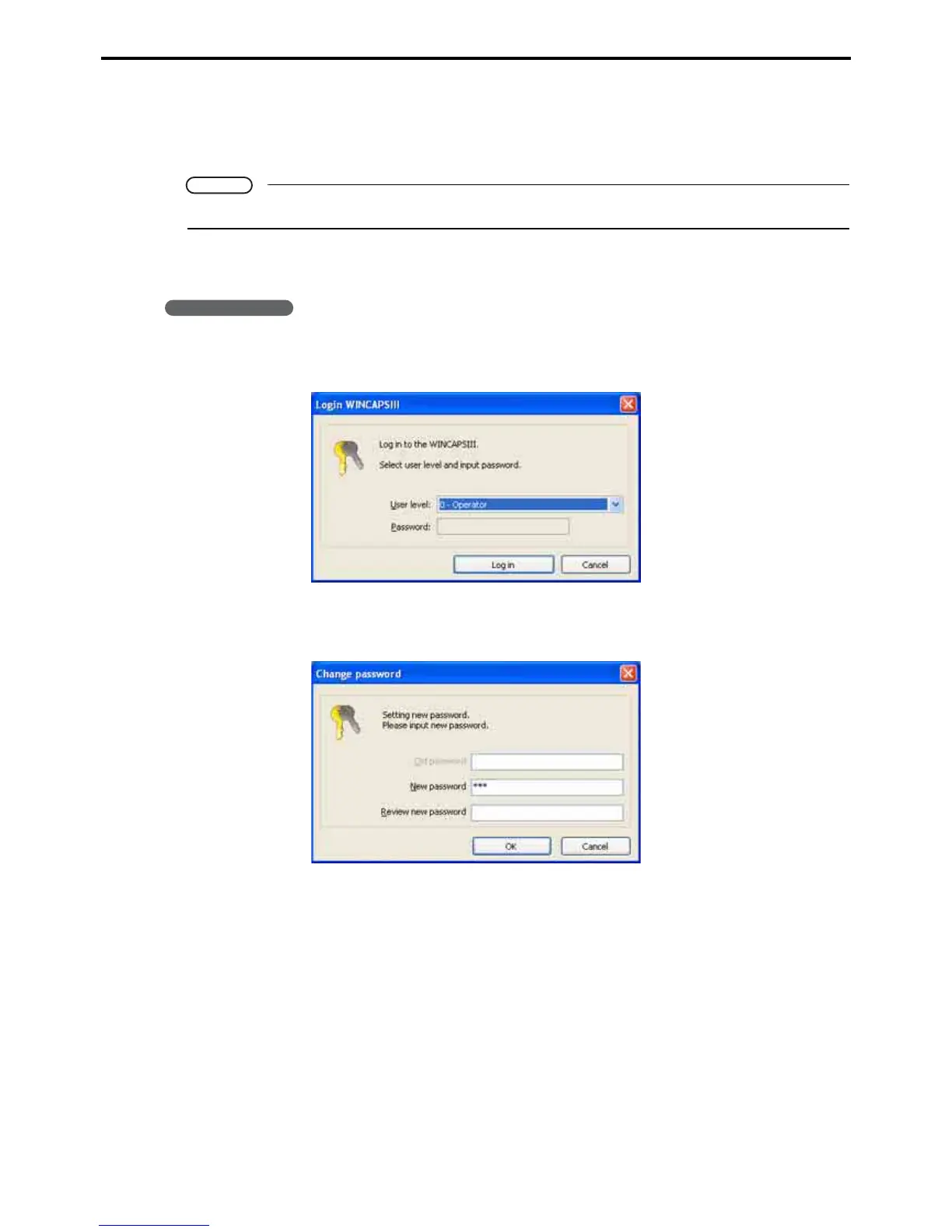
1. In the Login WINCAPSIII dialog box, choose 1-programmer as the user level to enable pass-
word input.
2. Enter the desired password and press the Login button to display the dialog box for chang-
ing the password.
3. Re-enter the new password in the Review new password field and press the OK button to
register the password.



 To Next Page