Chapter 3 Starting Up/Shutting Down
49
3.3 Quitting WINCAPS III
Operating procedure
1. Choose File|Exit to quit the program.
Note
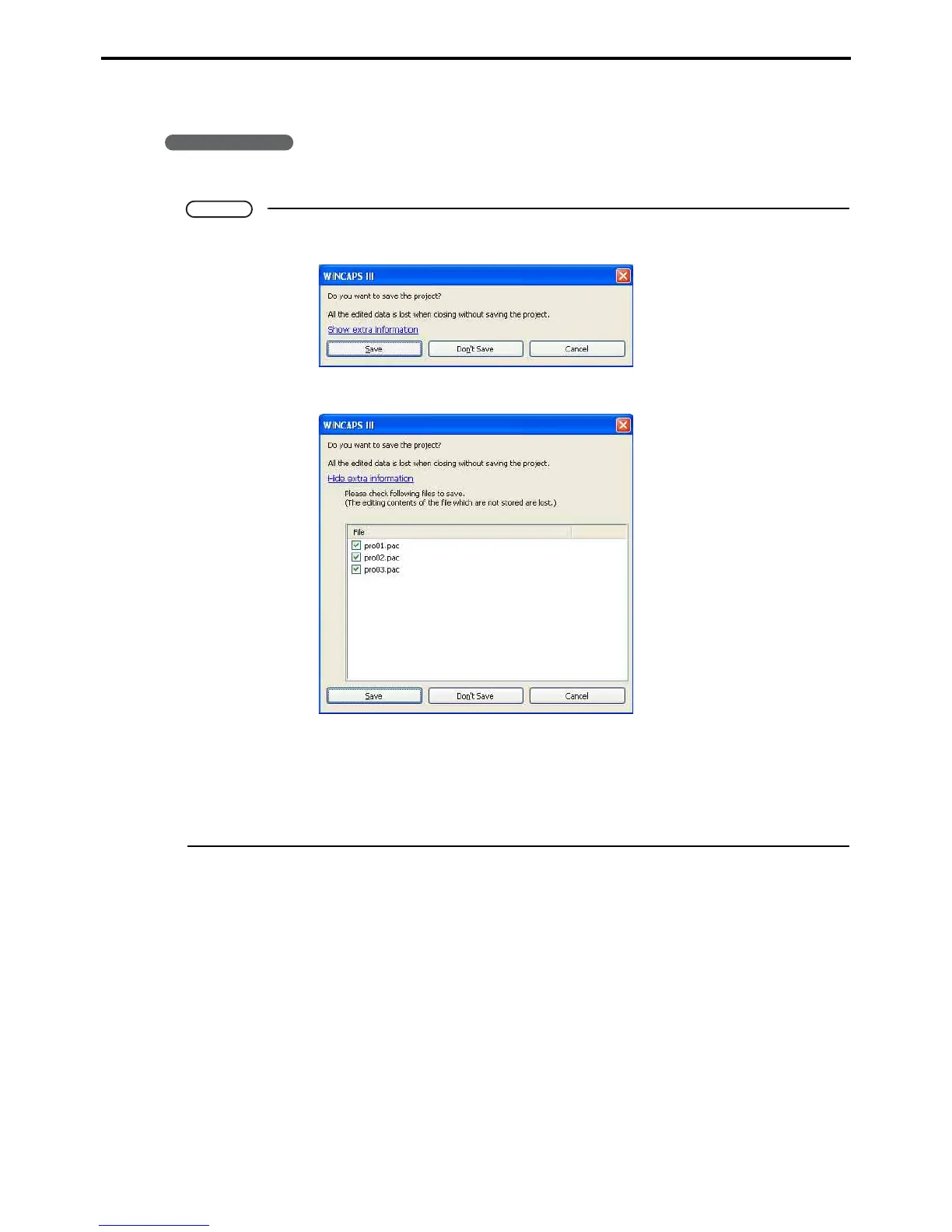
If a project is already being edited, the confirmation dialog appears.
The edited changes can be selected and saved by pressing Show extra information.
Save button
Overwrites the project.
Don't Save button
This button deletes the edited changes.
Cancel button
Cancels the quitting procedure and reverts to the previous WINCAPS III screen.



 To Next Page