48
Chapter 3 Starting Up/Shutting Down
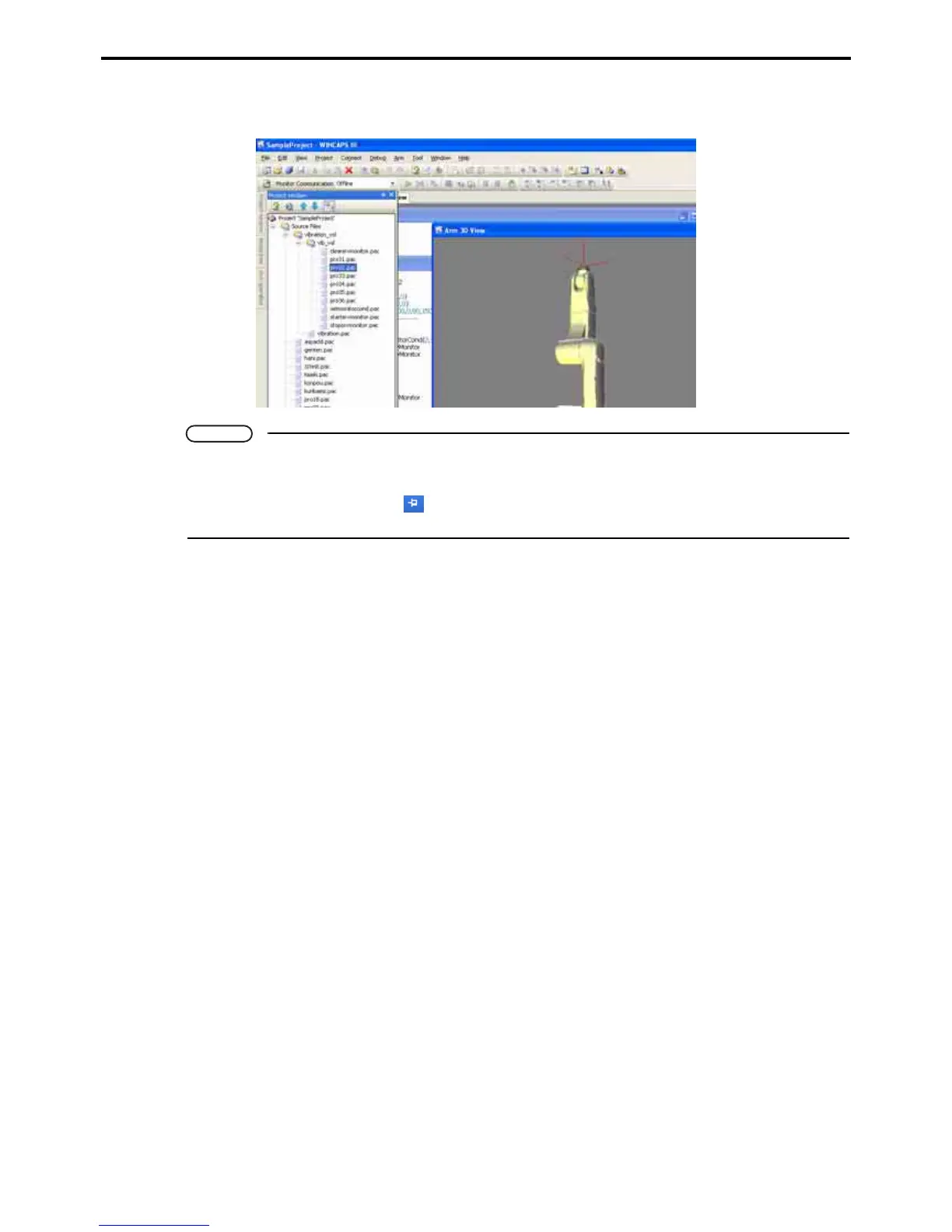
2. To temporarily display the minimized window in the Docking view area so that it overlaps
the Program view area as shown below, click the tab shown in step 1.
Note
• To minimize all windows in the Docking view area, select Window|Hide all.
• To restore a minimized window in the Docking view area to the original size, display the mini-
mized window and click the icon on the right end of the title bar. To restore all minimized win-
dows to the original size, select Window|Show all hidden windows from the Window menu.



 To Next Page