Chapter 4 Creating a Project
53
4.3 Opening an Existing Project
Operating procedure
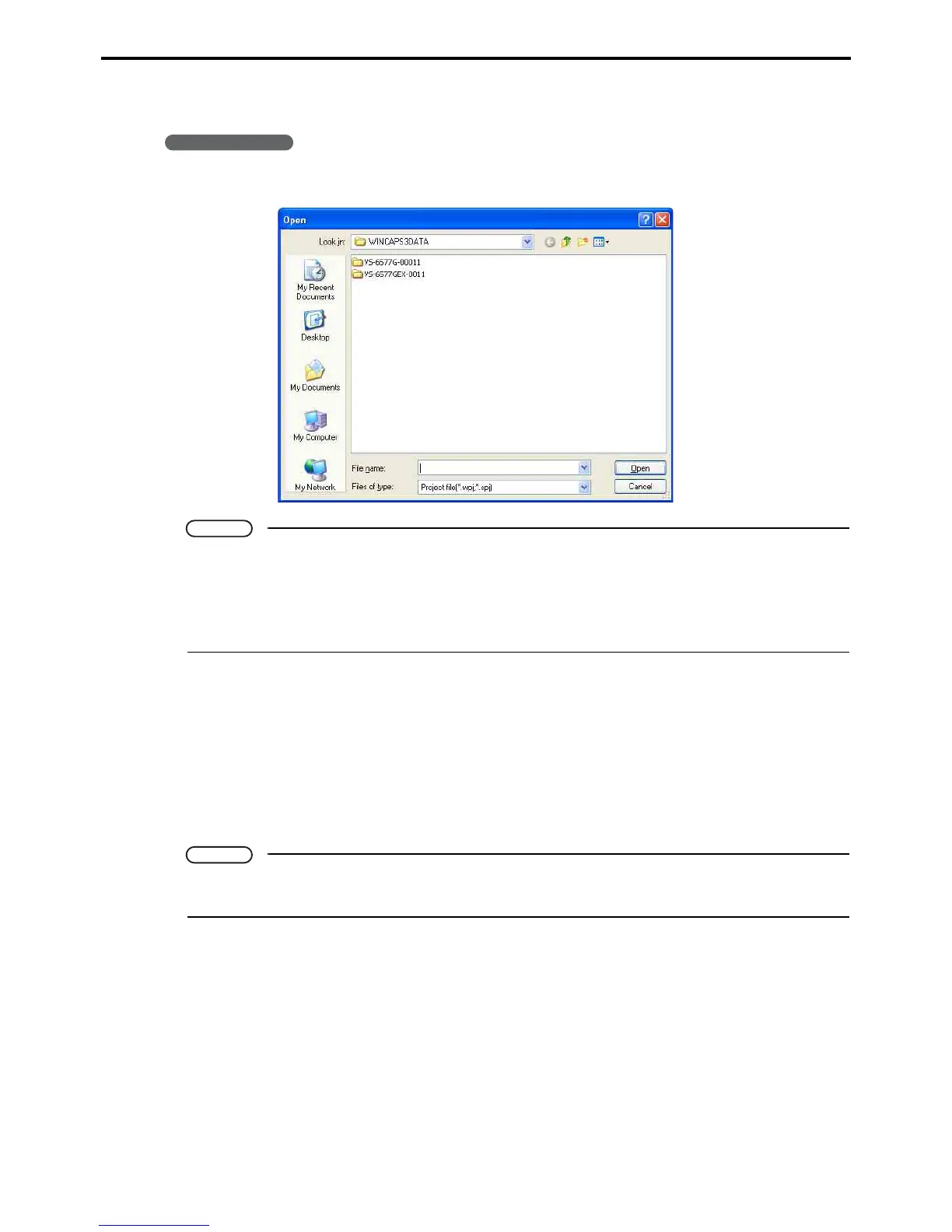
1. Choose File|Open project to display the Open dialog box.
Note
• The following two types of files can be opened.
WINCAPS III project data (File extension: .wpj)
WINCAPS II project data (File extension: .spj)
• If an existing project is currently edited, the confirmation dialog appears, asking whether or not to
save unsaved modifications.
4.4 Saving Project
The File menu offers two ways to save the current project.
• Save project
This saves the currently open project.
• Save project as...
This creates a folder under a specified name and copies all current project data into the folder.
Note
When executing Save project as..., specify a folder name other than the current project folder name
and all folder names contained in the current project folder.



 To Next Page