Chapter 5 Writing Programs
85
5.6 Editing a Teach Pendant (TP) Panel
A TP panel represents the interactive image displayed on the screen of the teach pendant attached to the robot con-
troller.
5.6.1 Editing a TP panel
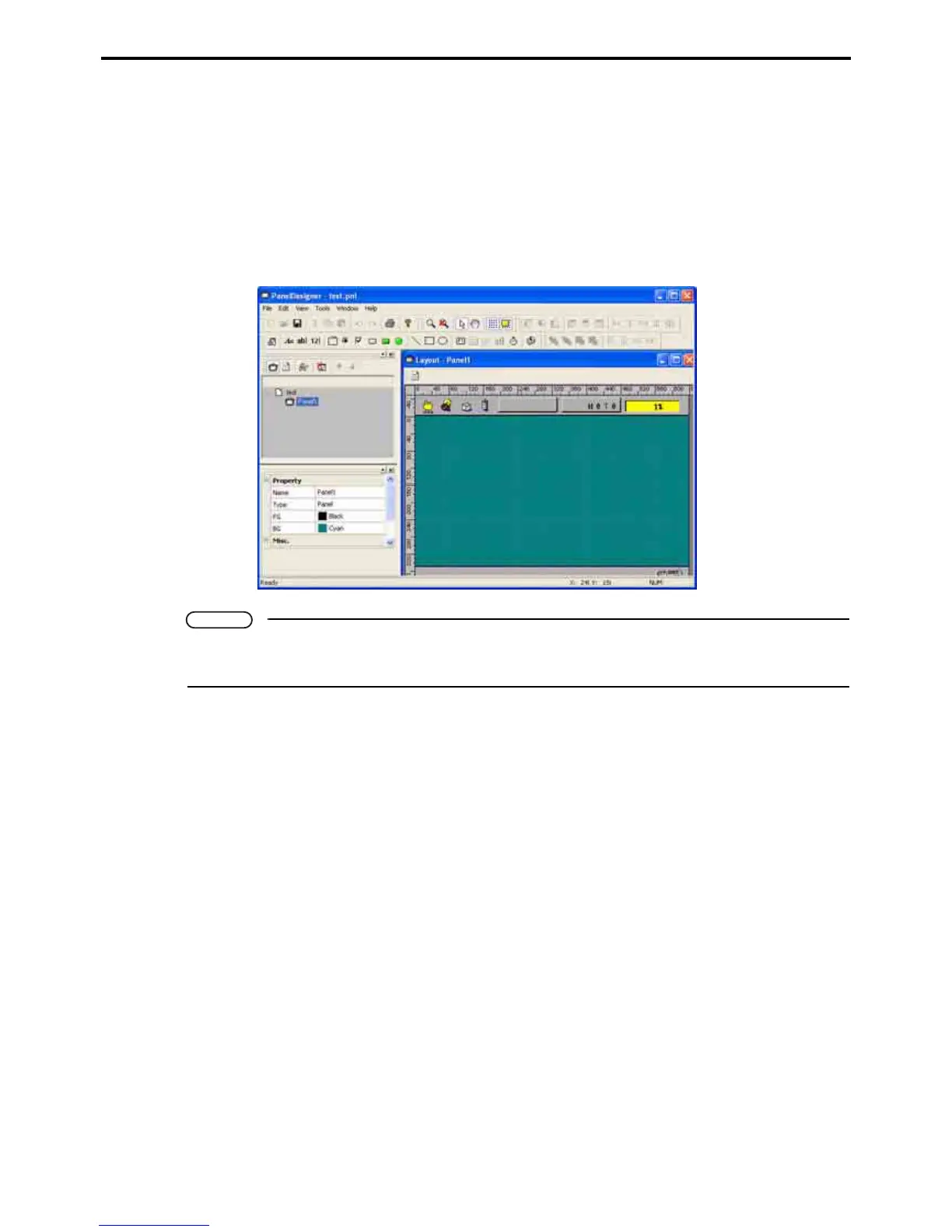
To edit a TP panel (*.pnl), double-click it in the Project or Program list window to open it in the Panel Designer
window.
Note
• If the Project window does not show file names, press its Display files button.
• Panel Designer procedures appear in the Panel Designer User's Manual separately issued.



 To Next Page