142
Chapter 9 Vision Manager
9.2.2 Editing a macro name
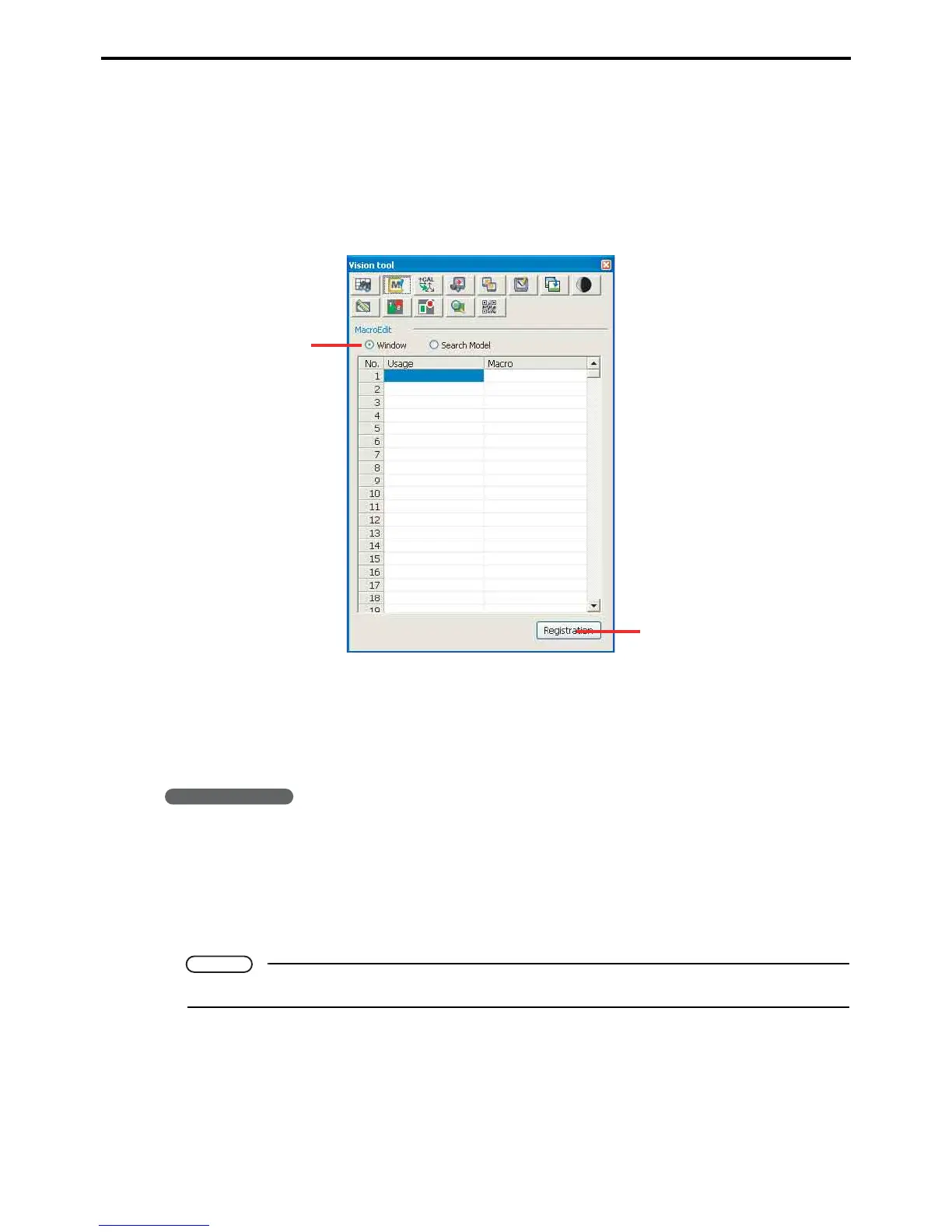
This is for editing macro names and application for windows and search models.
Defining macros allows programs to use substitute the macro name for its content.
A macro name must be in single-byte characters. Using other characters renders that portion of the macro definition
file unavailable to programs.
Edit macros screen
A: Macro scope
Specify the macro's scope
B: Save
This button saves modifications to the macro.
Operating procedure
1. Specify the macro's scope with a radio button: Window or Search model.
2. Double-click a cell to highlight its contents for editing. An empty cell has only an cursor.
3. Enter the application or macro name.
4. Press the Register button.
Note
A macro name must be in single-byte characters.



 To Next Page