Chapter 5 Writing Programs
75
5.4.2 Other editing functions
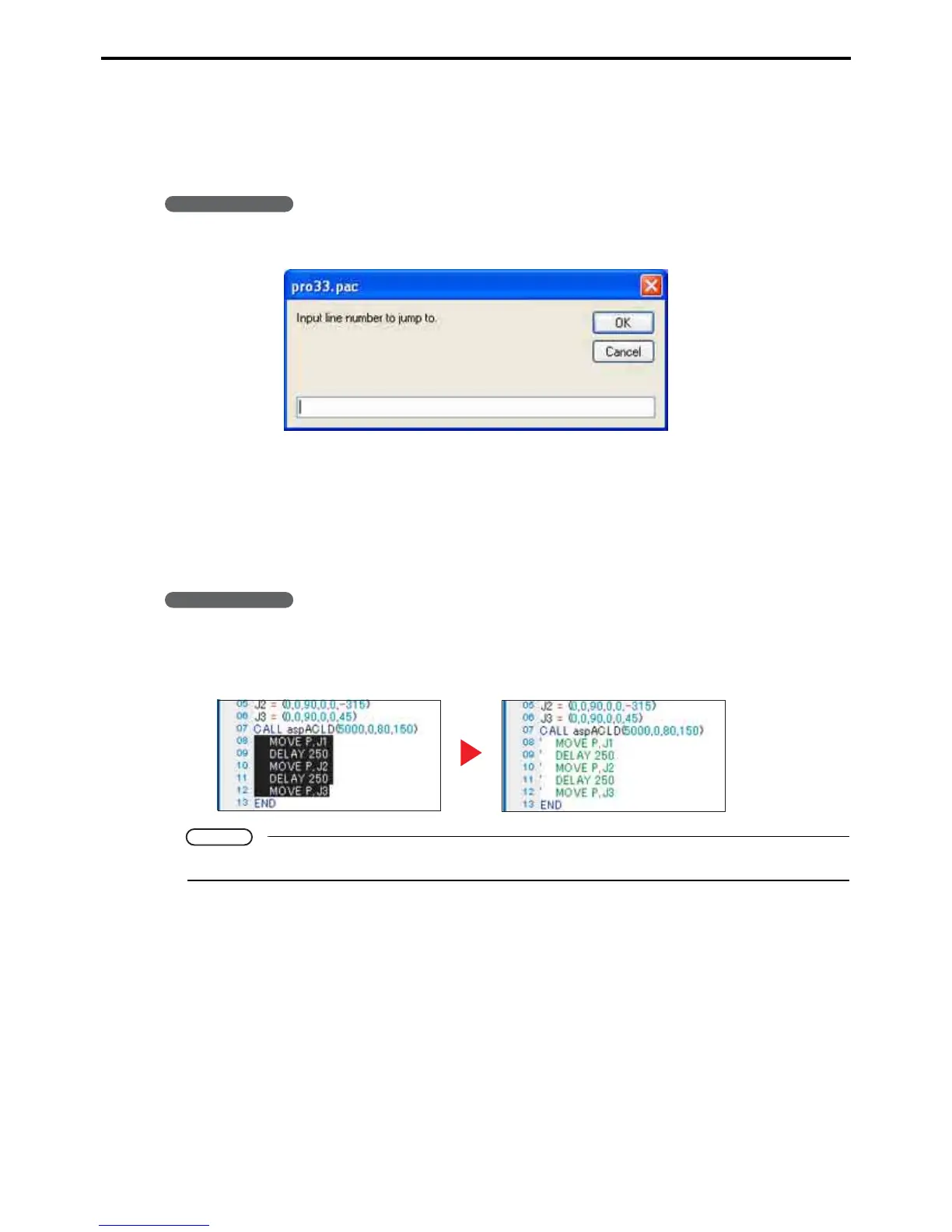
5.4.2.1 Jump to...
This is for moving the cursor to a line, specified by number, in the Program edit window.
Operating procedure
1. Choose Edit|Jump to... to display the eponymous dialog box.
2. Enter the line number.
3. Press the OK button to move the cursor to that line.
5.4.2.2 Comment out
This submenu command changes the lines selected in the Program edit window into comments.
Operating procedure
1. Select the lines to comment out.
2. Choose Edit|Comment Block|Comment to convert them to comments.
Note
To reverse this operation, select lines and choose Edit|Comment Block|Decomment.



 To Next Page