96
Chapter 6 Arm 3D View Window
Adding nodes
A node may be added anywhere in the object hierarchy.
Select a node on the object tree, right-click, and choose Add node from the context menu that appears to add a
new node as a child of the selected one.
Note
Grouping the pallet, pallet bench, and other objects under a common node, for example, enables
copying and pasting them together as a single group.
6.2.1 Adding objects
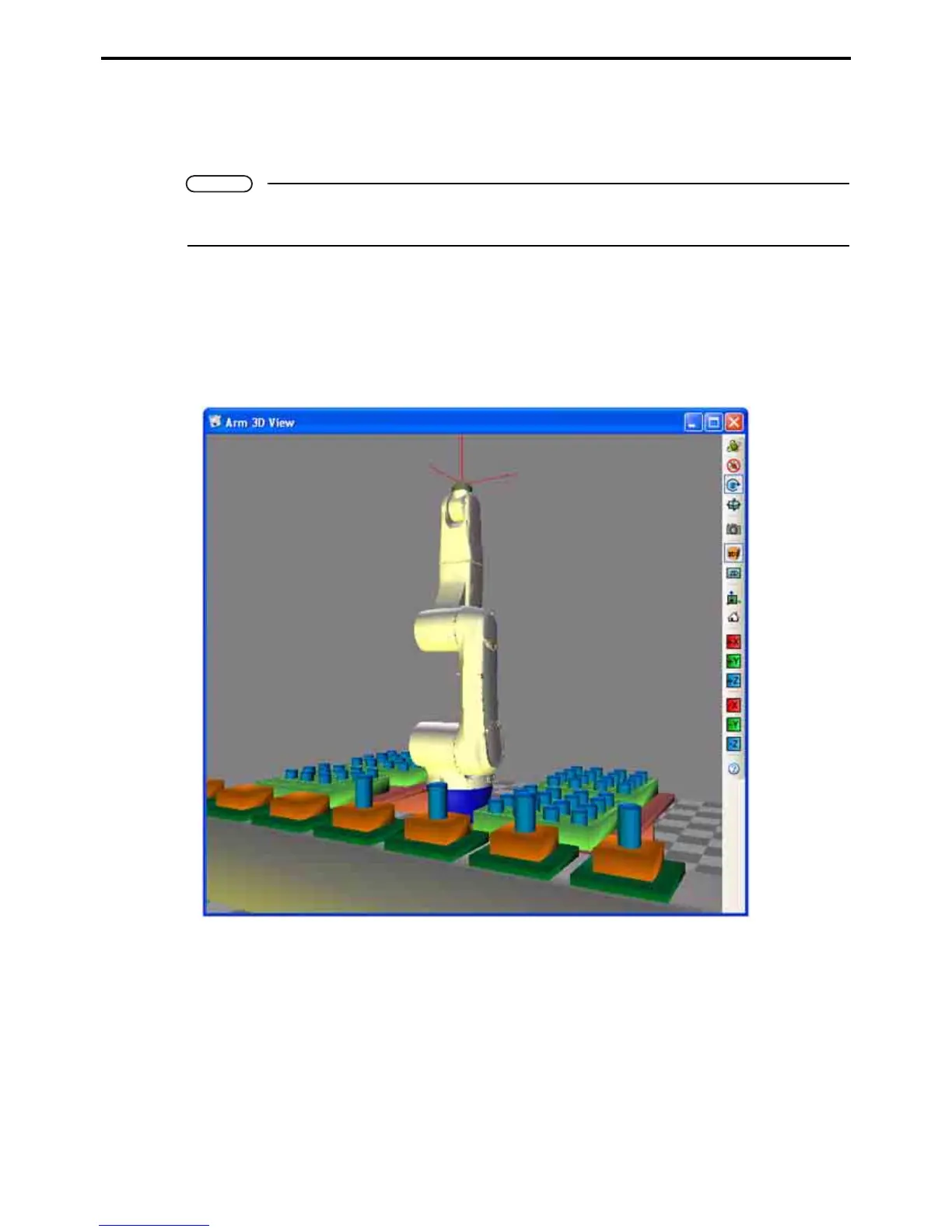
The following is the procedure for adding the pallet bench, pallet, work pieces, and other objects to the Arm 3D
view window.
Layout example



 To Next Page