Chapter 5 Writing Programs
73
5.4 Editing a Program
Double-clicking a program or header file in the Project or Program list window opens it for editing in a Program
edit window.
Note
• If the Project window does not show file names, press its Display files button.
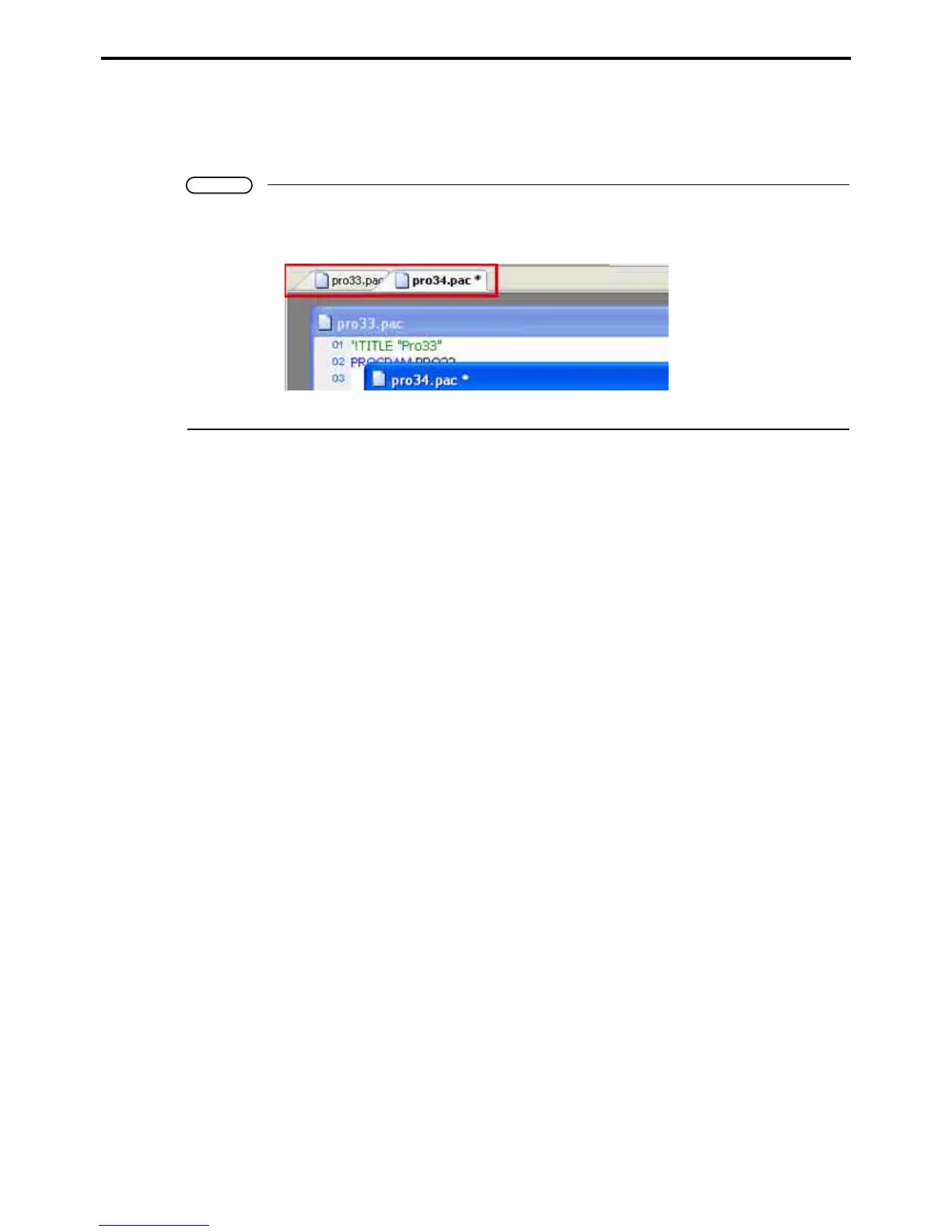
• The Program view area provides a tab interface for switching between files.
Alternatively, tiled and other layouts display multiple files for direct selection.
WINCAPS III provides the following program editing functions.
Configurable Program edit windows
The Program edit window text editor gives the user control over the font, size, and colors for displaying text.
Syntax highlighting assigns different colors to distinguish between, for example, operators and comments. For
further details on Program edit window display options, refer to 3.1.1 "WINCAPS III basic settings" (P. 14).
Finding and replacing strings
Find and replace strings in headers and programs.
Search ranges and regular expressions can be used.
Other functions
• Jump to...
This is for moving the cursor to a line, specified by number, in the Program edit window.
• Comment out
This submenu command changes the lines selected in the Program edit window into comments.
• Indent
This submenu command indents the lines selected in the Program edit window.
• Bookmark
This submenu is for working with bookmarks, markers on lines in Program edit windows.
These markers make it easier to return to that position.
• Helper functions
These are to help command input by listing candidates and showing command syntax.



 To Next Page