72
Chapter 5 Writing Programs
5.3 Saving a Program
The following procedure saves edits to the current program.
The File menu offers two ways to save modifications to the file in the selected Program edit window.
• Save updates the original file.
• Save As... saves them under a different name.
Only the latter warrants detailed description.
Operating procedure
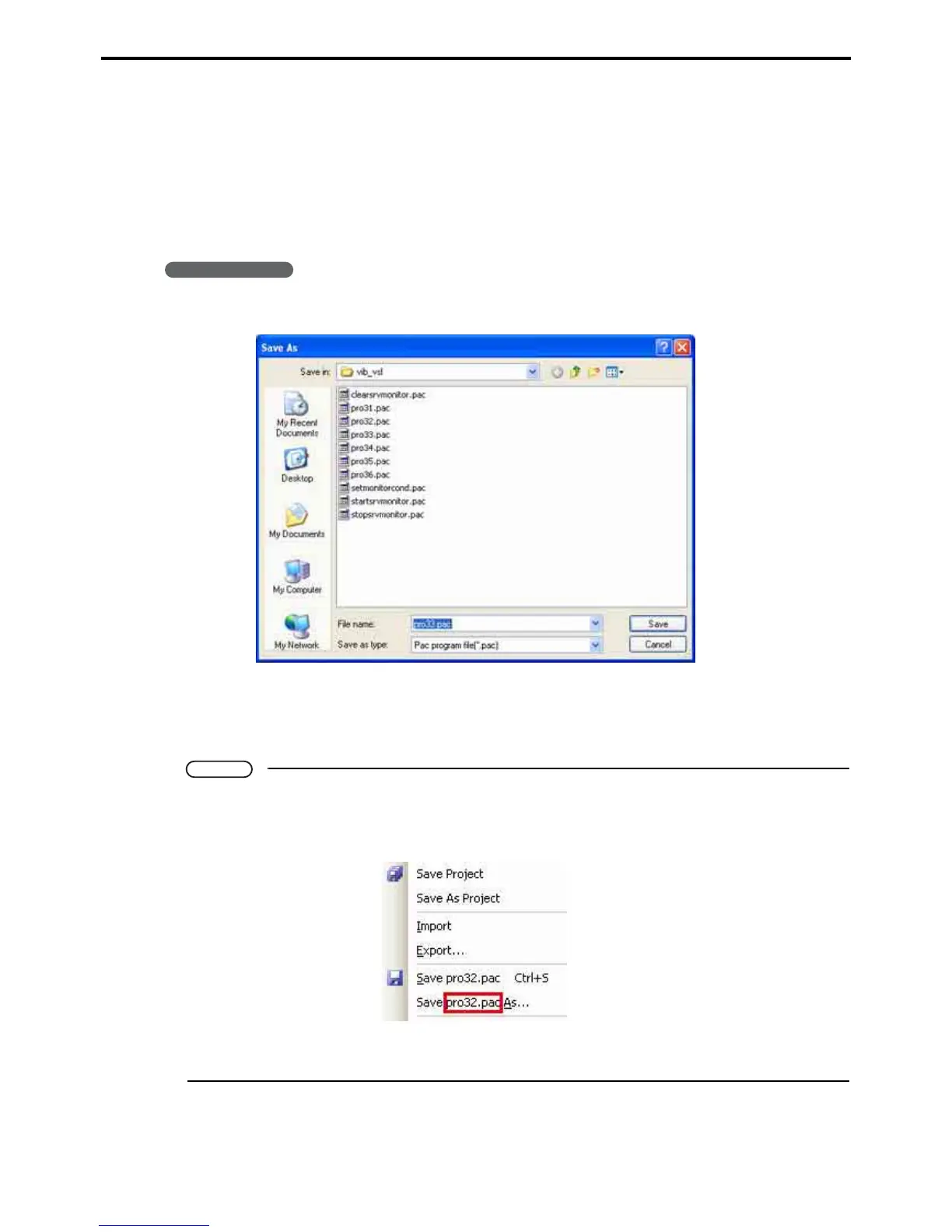
1. Choose File|Save As... to display a Save As dialog box.
2. Specify the target folder and file name and press the Save button to save the contents of
the Program edit window there.
If that folder already contains a file with that name, however, a dialog box asks permission to overwrite it.
Note
• If there are multiple programs in the Program view area, the file saved is the active one, the one
in the currently selected Program edit window.
The File menu emphasizes this by adding the file name to the two menu items.
• If that folder already contains a file with that name, however, a dialog box asks permission to over-
write it.



 To Next Page