54
Chapter 4 Creating a Project
4.5 Configuring a Project
Operating procedure
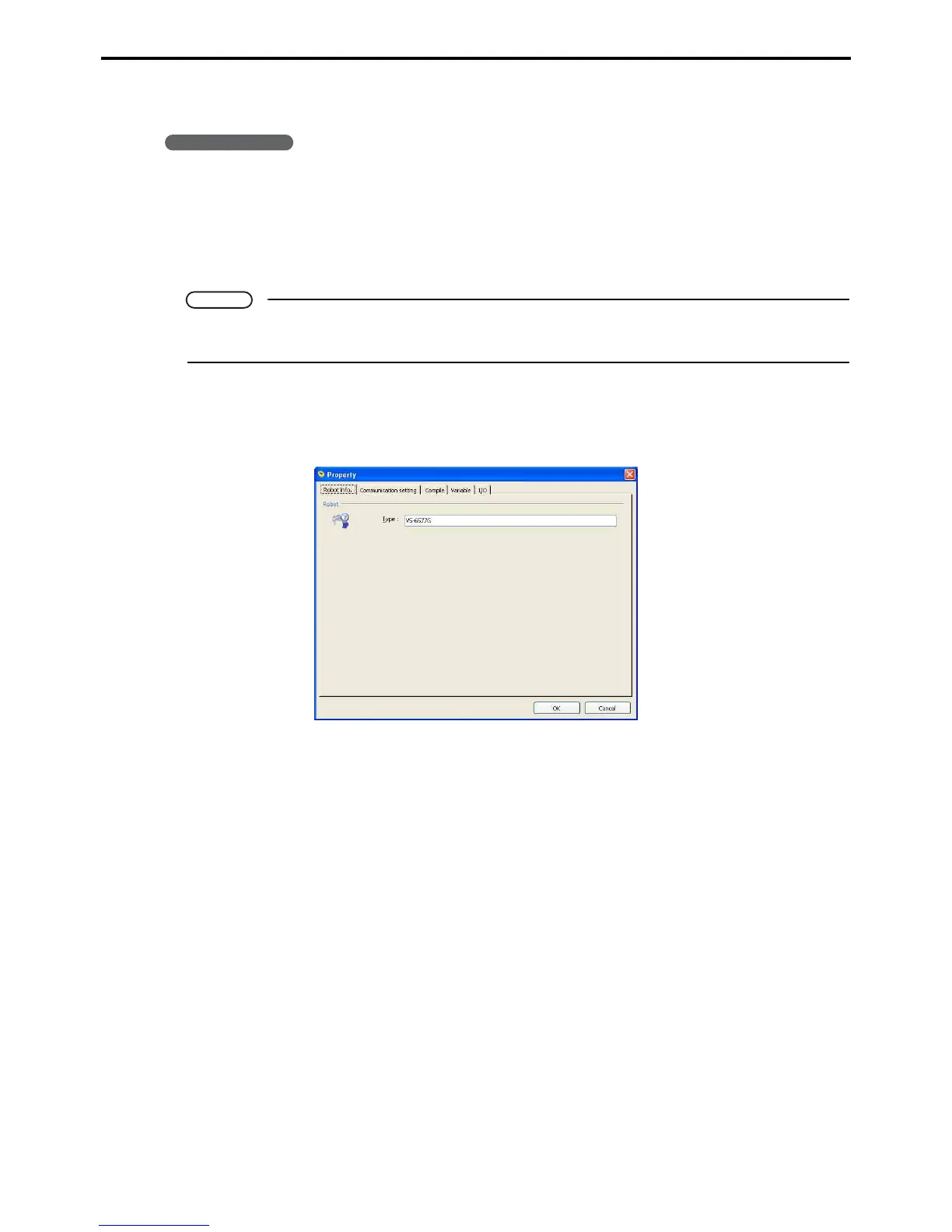
1. Choose Project|Properties to display the property sheets for the project.
2. Click the tab containing the desired configuration option for the settings.
3. When configuration is complete, press the OK button.
Pressing the Cancel button instead discards all changes.
Note
Moving to another tab does not save changes. To save your new settings, always press the OK but-
ton.
The dialog box has the following five tabs.
Robot info. tab
This displays project information.
Type
Displays the robot type.



 To Next Page