84
Chapter 5 Writing Programs
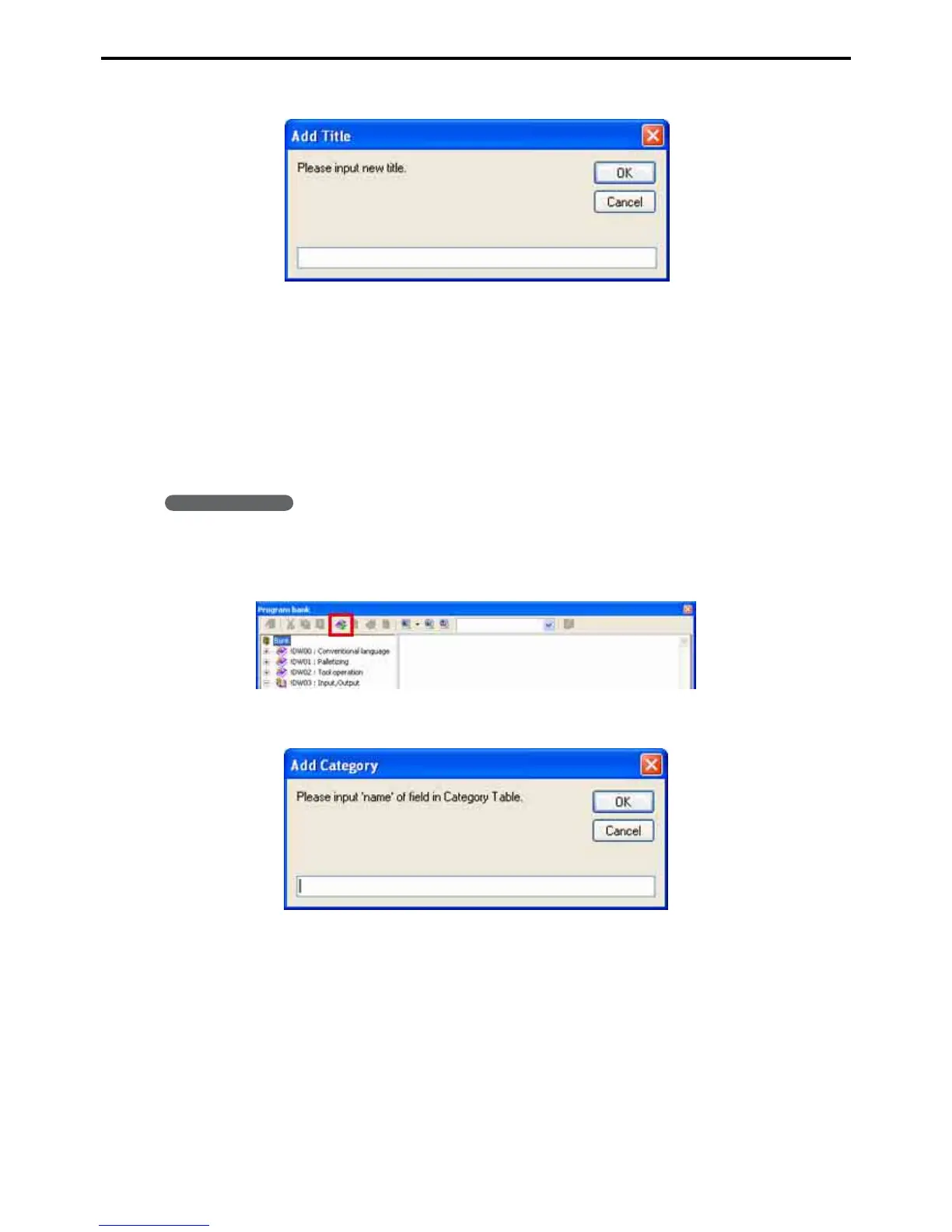
4. Enter a title for the program and press the OK button.
5. Fill out the two tabs.
For the Source tab, copying the contents of the corresponding Program edit window is much faster than re-
typing the program.
6. Press the Update button.
This registers it in the program bank.
5.5.3 Adding a category
Operating procedure
1. Select the root category, Bank.
2. Press the Add category button to display the eponymous dialog box.
3. Enter a name for the category and press the OK button.



 To Next Page