Chapter 3 Starting Up/Shutting Down
19
3.2 WINCAPS III Screen Descriptions
3.2.1 Screen components
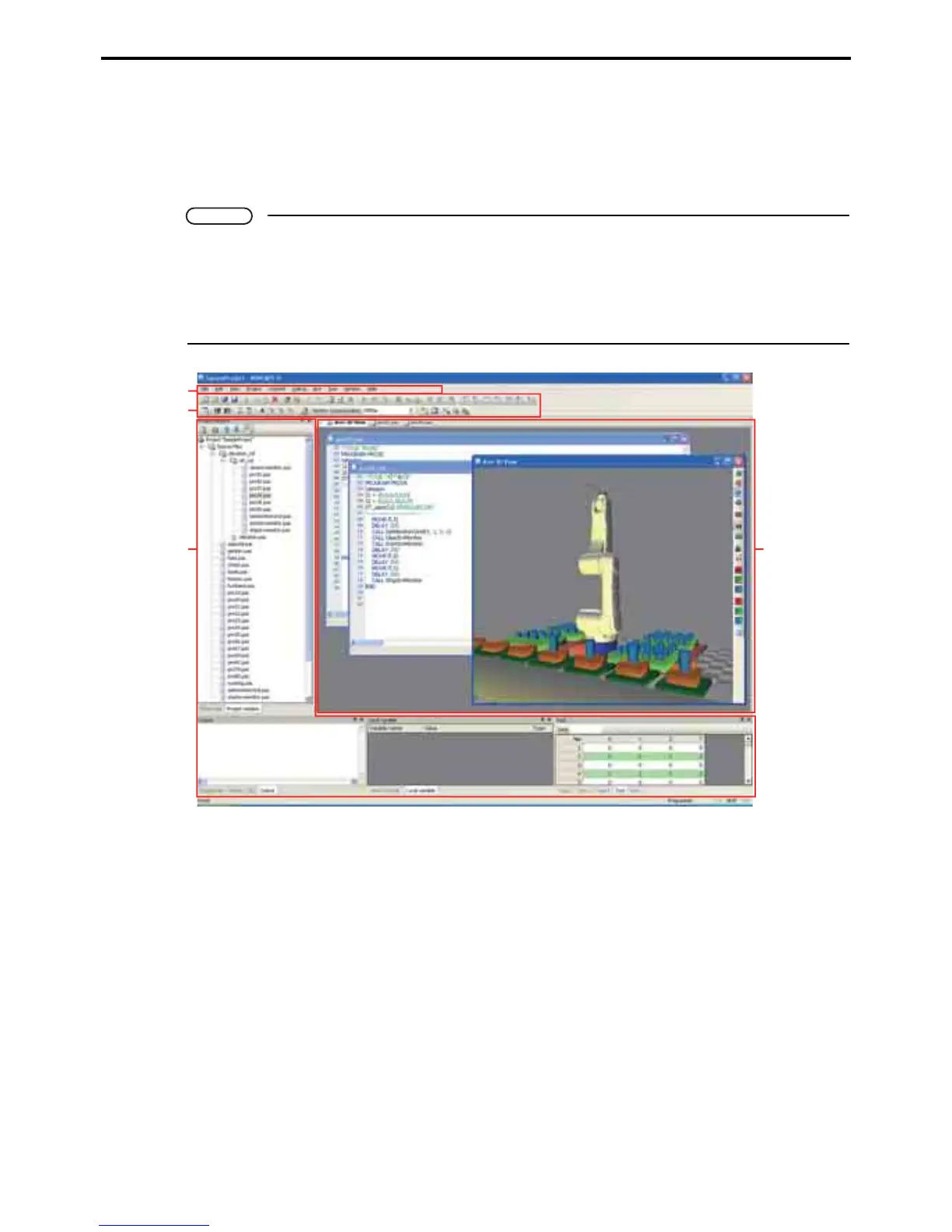
WINCAPS III uses the following general screen layout.
Note
WINCAPS III offers the user considerable flexibility in rearranging screen elements to match the
needs at hand.
For further details on screen customization, refer to 3.2.6 "Screen operations" (P. 41).
The screen shots in this document use the default layout, so may not necessarily match what appears
on your screen.
A: Menus
This area displays the following ten menu items available in WINCAPS III.
•File menu
• Edit menu
• View menu
• Project menu
• Connect menu
• Debug menu
•Arm menu
• Tool menu
• Window menu
•Help menu
For further details on menu items, refer to 3.2.2 "Menu items" (P. 21).
A
B
C
D



 To Next Page