Chapter 4 Creating a Project
69
4.9 Print
Project data of various types can be printed out.
Operating procedure
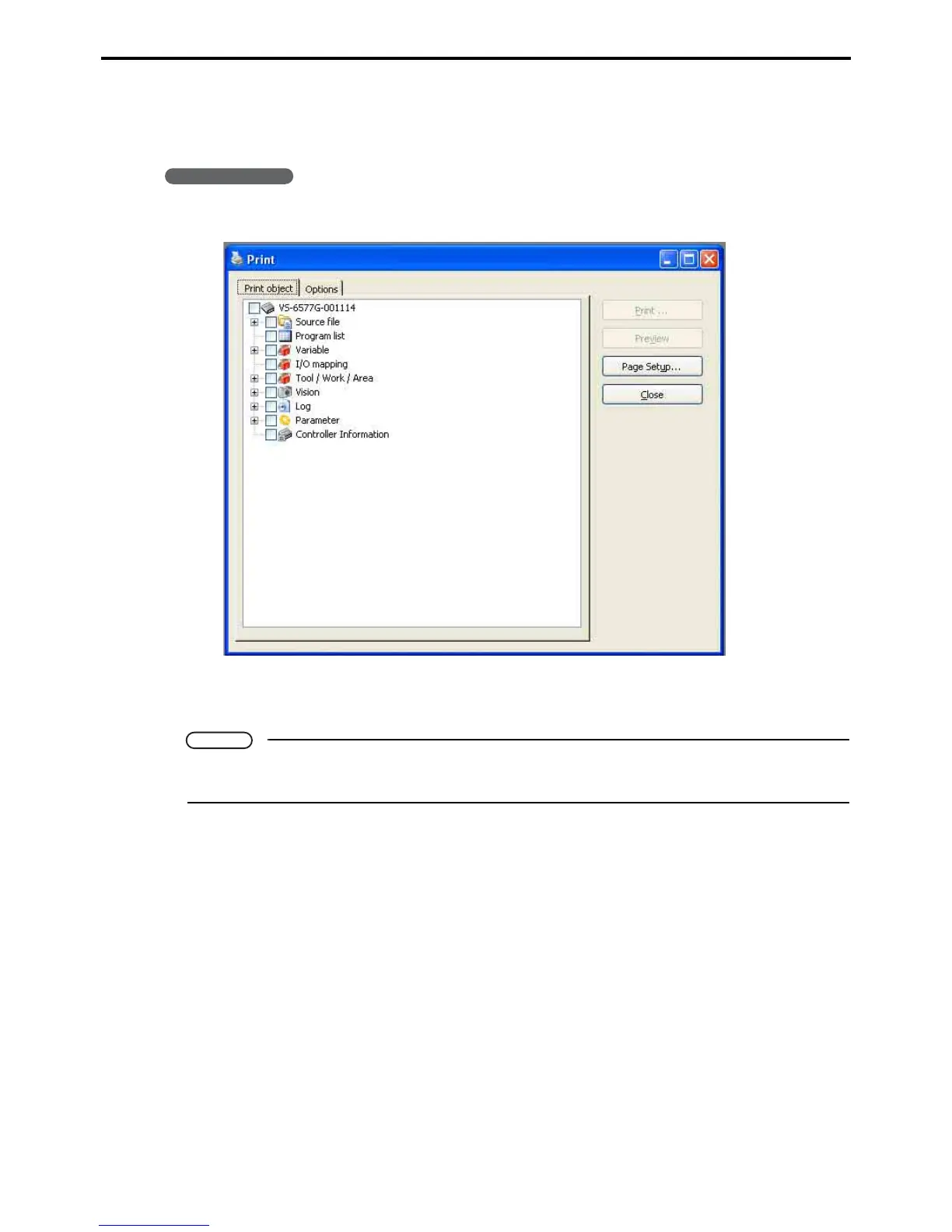
1. Choose File|Print to display the Print dialog box.
2. Select the data you wish to print and press the Preview button.
Check the preview and then make your print out.
Note
Printing out log data can result in vast amounts of printout pages, hence be sure to check the number
of pages using the preview function first before printing.



 To Next Page