68
Chapter 4 Creating a Project
2. Click the Next button.
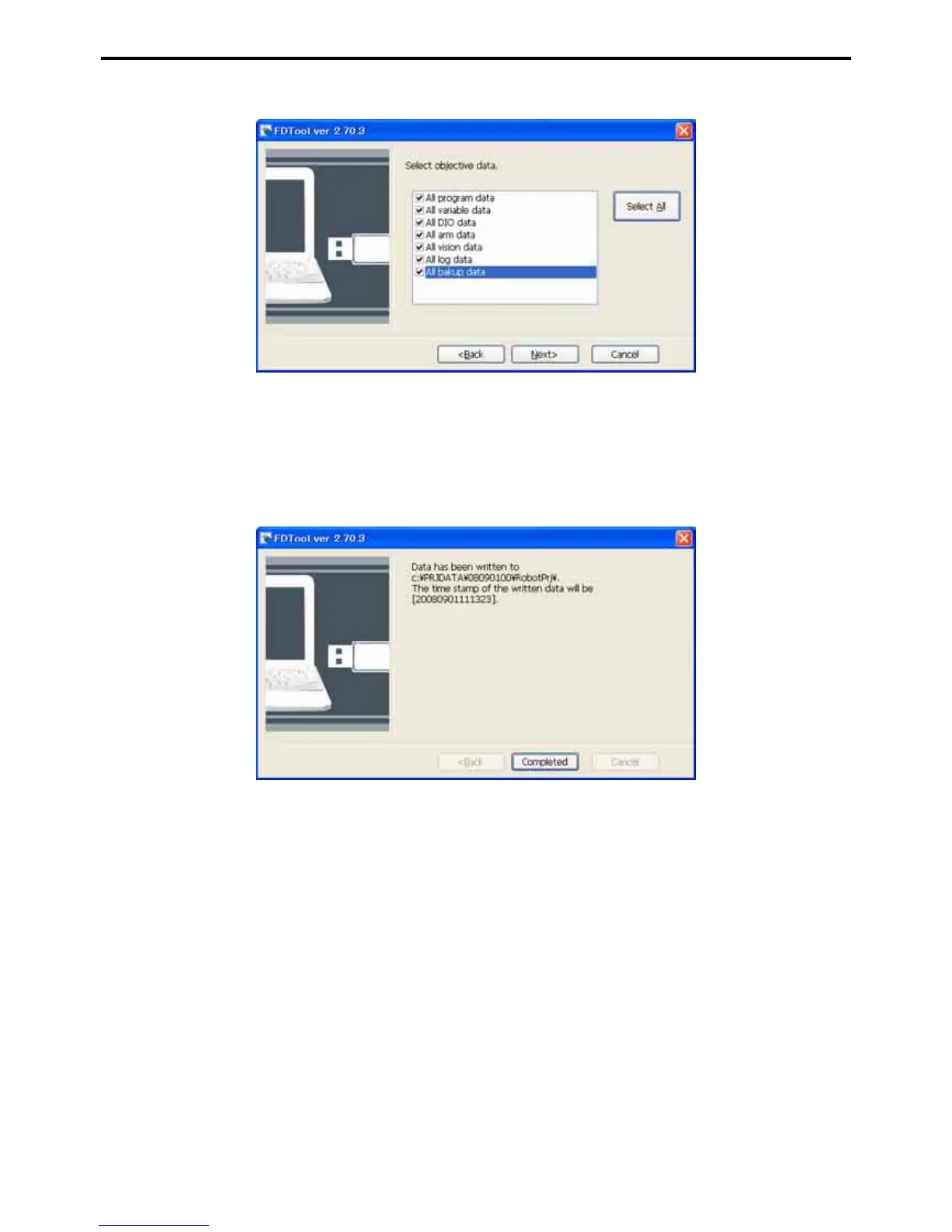
Select target data
Selecting these check boxes specify data to write into the USB memory. To write all data, click the Se-
lect All button.
3. Click the Next button to write the specified data into the USB memory.
Upon completion of writing, the following dialog appears.



 To Next Page