Chapter 6 Arm 3D View Window
97
As our example, let's start with the pallet bench.
Operating procedure
1. Choose View|Arm View to display the modeling window.
2. Specify where to add to the model by selecting a node to be the parent.
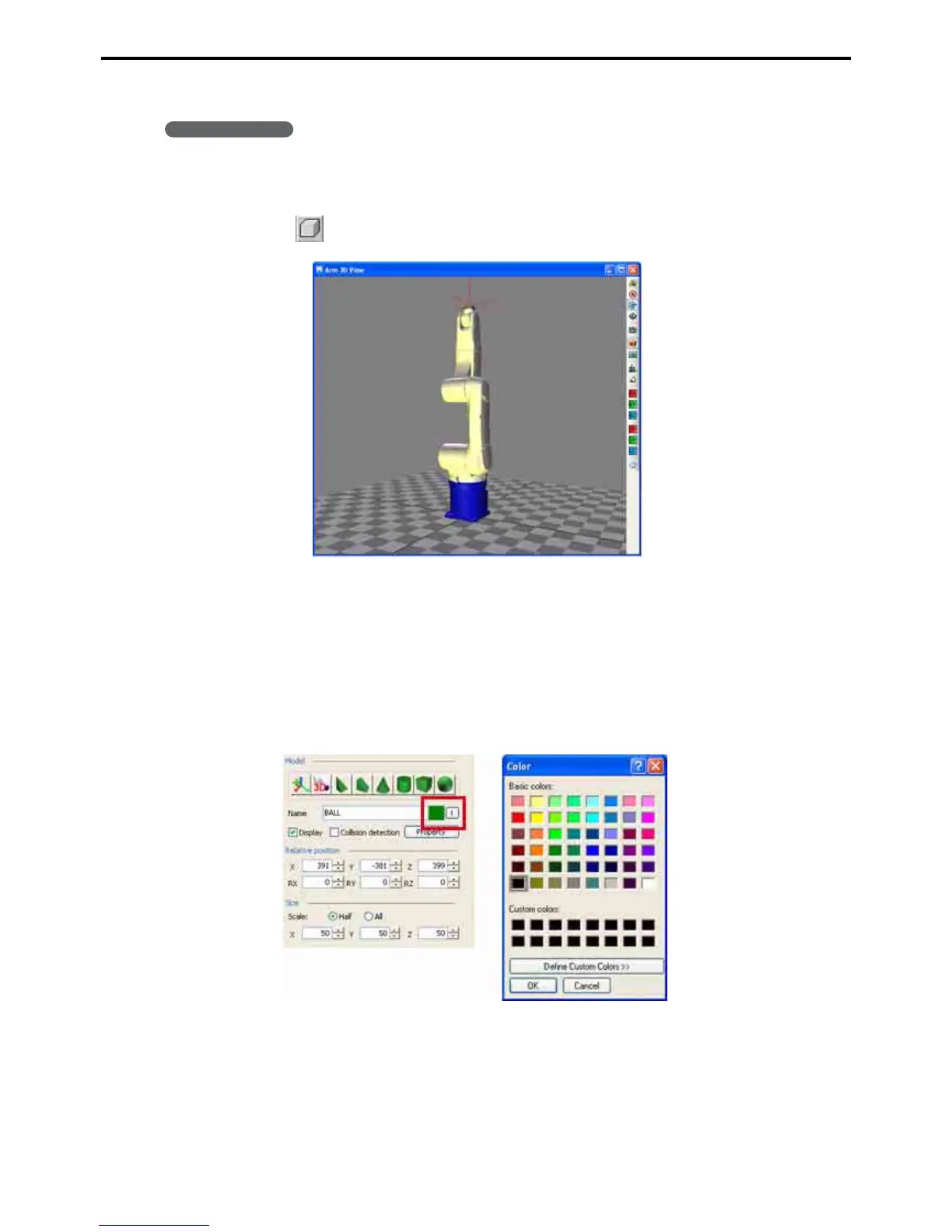
3. Press the (Box) button in the Model tree window to add a box to the Arm view window.
4. Modify the object to give it a name and a color.
Change name
Right-click on the object and choose Change name from the context menu that appears to highlight the
name, ready for editing.
Changing color
To change the color of an object, press the Pick color button in the Model tree window and choose from
the palette that appears.



 To Next Page