76
Chapter 5 Writing Programs
5.4.2.3 Indent
This submenu command indents the lines selected in the Program edit window into comments.
Operating procedure
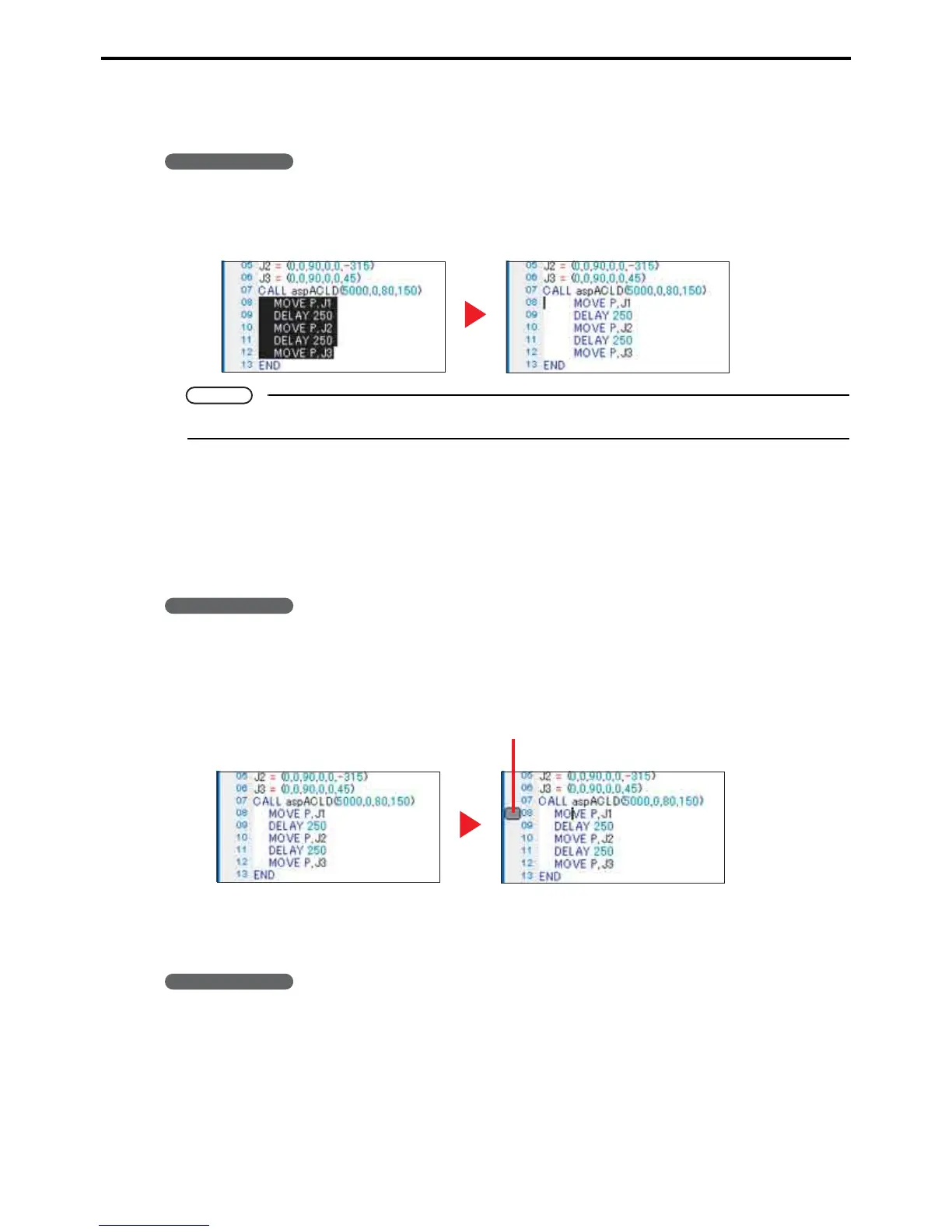
1. Select the lines to indent.
2. Choose Edit|Indent|Indent to indent them.
Note
To reverse this operation, select lines and choose Edit|Indent|Unindent.
5.4.2.4 Bookmark
This submenu command is for setting a bookmark on the line under the cursor, or moving the cursor to a bookmark.
(1) Setting a bookmark
The following is the procedure for setting a bookmark on the line under the cursor.
Operating procedure
1. Move the cursor to the line on which to set the bookmark.
2. Choose Edit|Toggle Bookmark to set the bookmark or, if there is already a bookmark there,
delete it.
(2) Moving to a bookmark
There are submenu commands for moving the cursor to a line with a bookmark.
Operating procedure
1. Choose Edit|Bookmark|Next Bookmark to move the cursor downward from the current po-
sition to the next bookmark.
To move the cursor upward, choose Edit|Bookmark|Previous Bookmark instead.
Bookmark



 To Next Page