Chapter 5 Writing Programs
77
(3) Clearing bookmarks
There is a menu command for clearing all bookmarks.
Operating procedure
1. Choose Edit|Bookmark|Clear Bookmarks.
5.4.2.5 Command candidate function
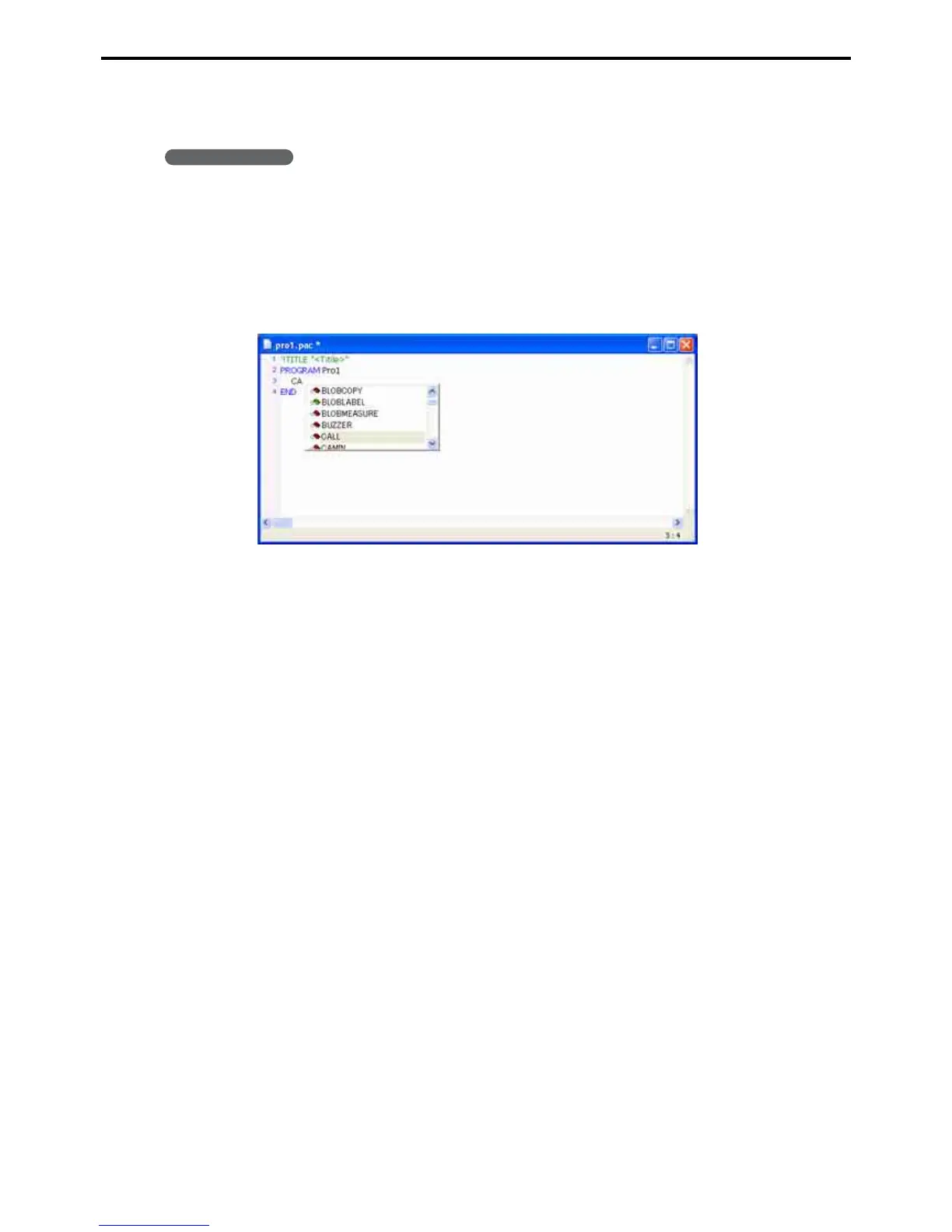
As you type a command, a command list will appear. (Ctrl + Space key will also display the command list)
The command list will automatically scrolls to the first match.
Typing CA, for example, highlights CALL.
Selecting a command on this list displays a functional description to the right.
Double-clicking one inserts it in the text.



 To Next Page