78
Chapter 5 Writing Programs
5.4.2.6 Insert command function
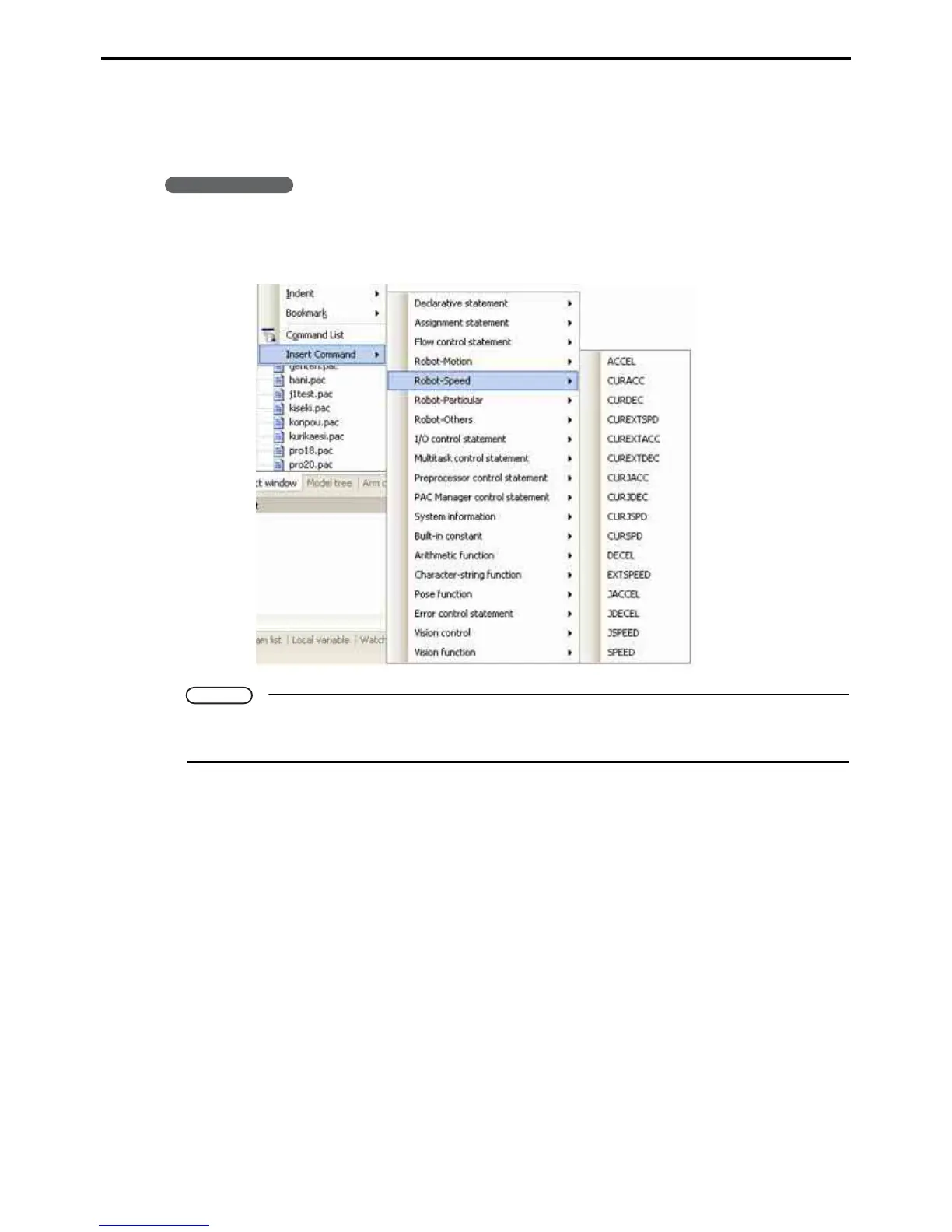
The Insert command submenu lists commands by function.
Selecting a command on this list inserts it into the program being edited.
Operating procedure
1. Move the cursor to the insertion position.
2. Choose Edit|Command Input to list the commands by function.
Note
Choosing a command inserts it with default values for any command parameters.
Edit these values without worrying about parameter syntax.



 To Next Page