Chapter 3 Starting Up/Shutting Down
47
(3) Minimizing Docking view area
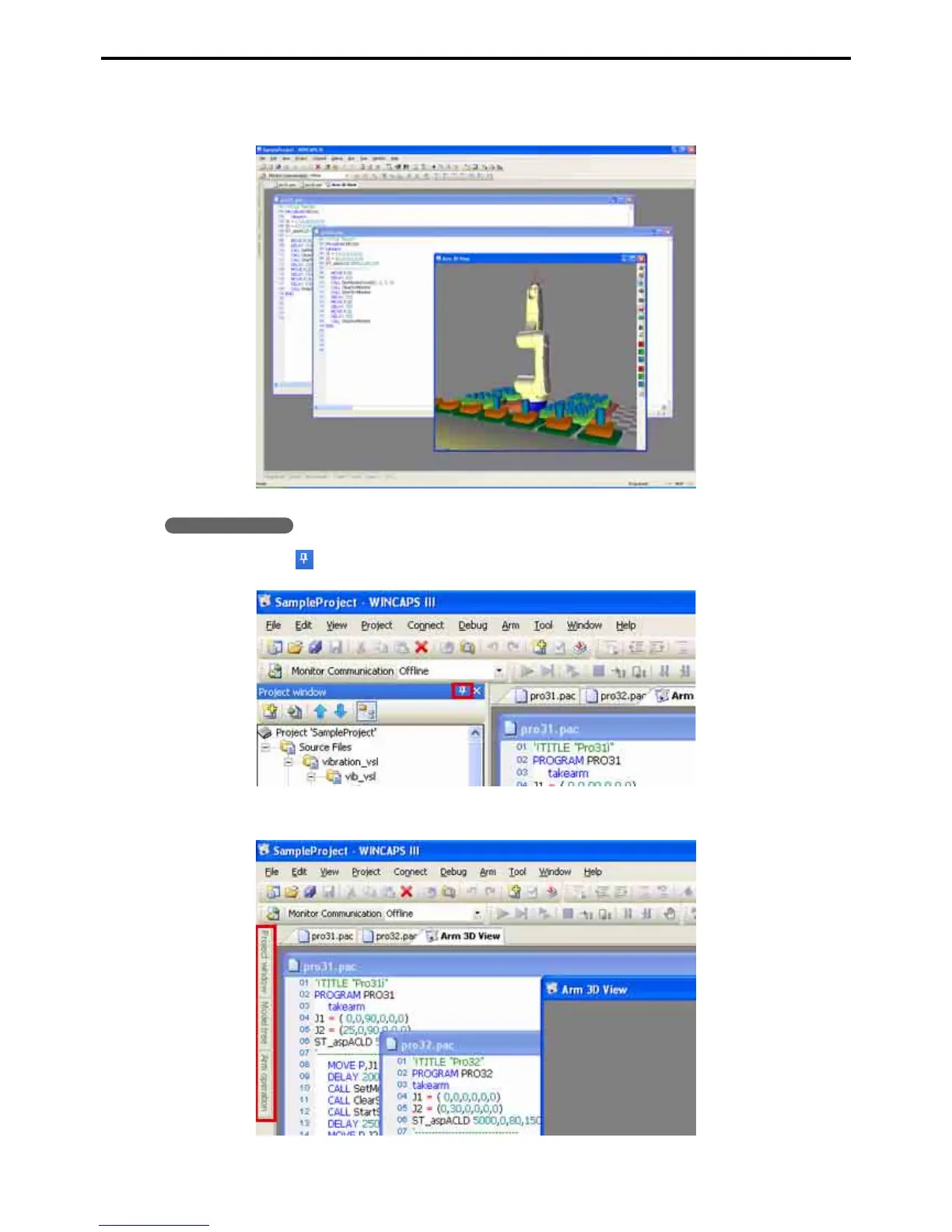
This operation minimizes the Docking view area to maximize the Program view area.
Operating procedure
1. Click the icon on the right end of the Docking view title bar.
The operation minimizes the Docking view area, showing the tab instead as shown below.



 To Next Page