Chapter 6 Arm 3D View Window
99
Note
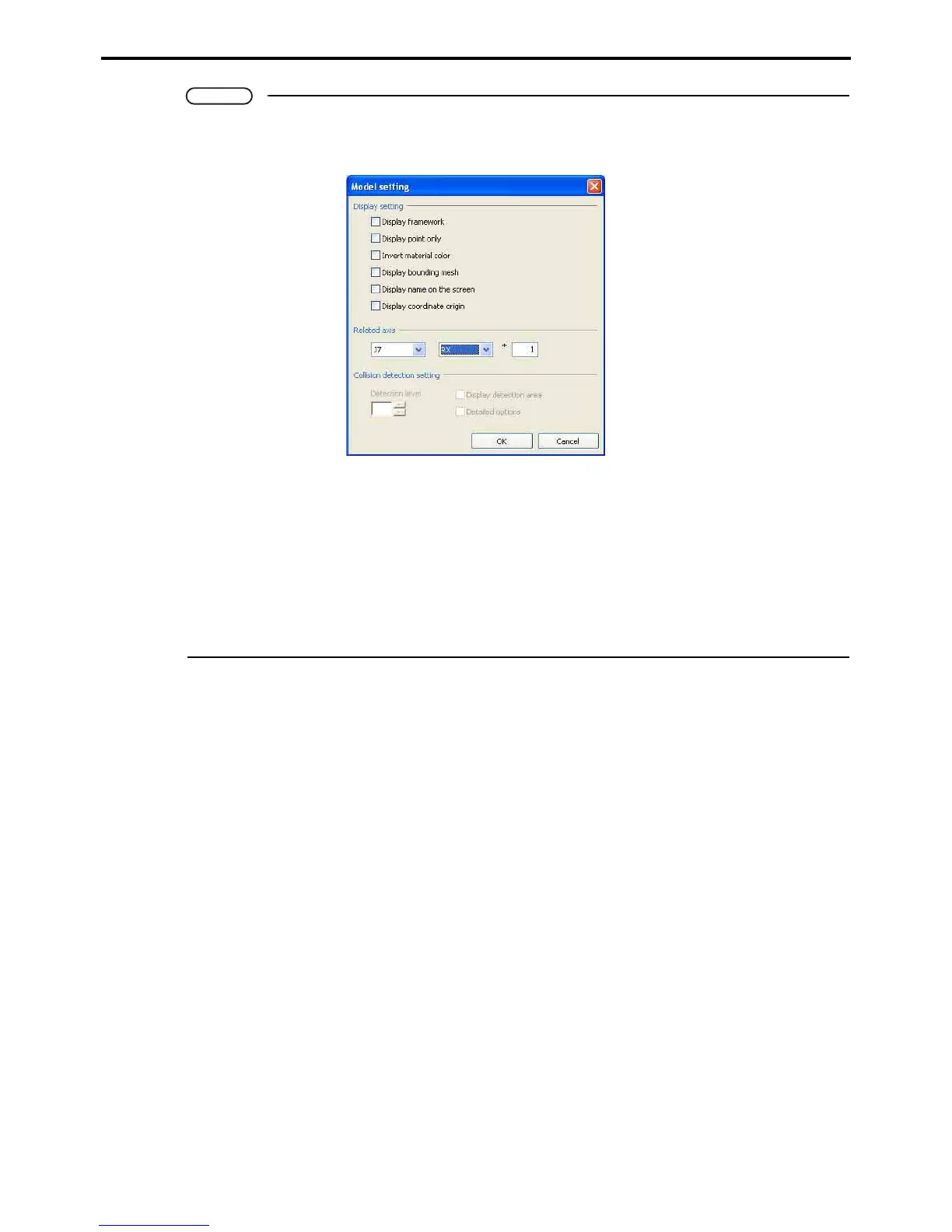
The way the object is displayed can be altered with the Model tree Property button.
Pressing the Property button displays the dialog box below.
Display setting
Sets object display properties.
Related axis
Settings for objects moving in relation to the added axes in the case of projects with added axes
or SMT7 controller. Set the axis, movement and movement units.
Collision detection setting
Detection level: Specifies the sensitivity for detection of collisions.
Display detection area: Displays the range for detecting object collisions.
Detailed option: Further options for the range for detecting collisions with imported 3D data.



 To Next Page