Chapter 9 Vision Manager
139
Vision tool window
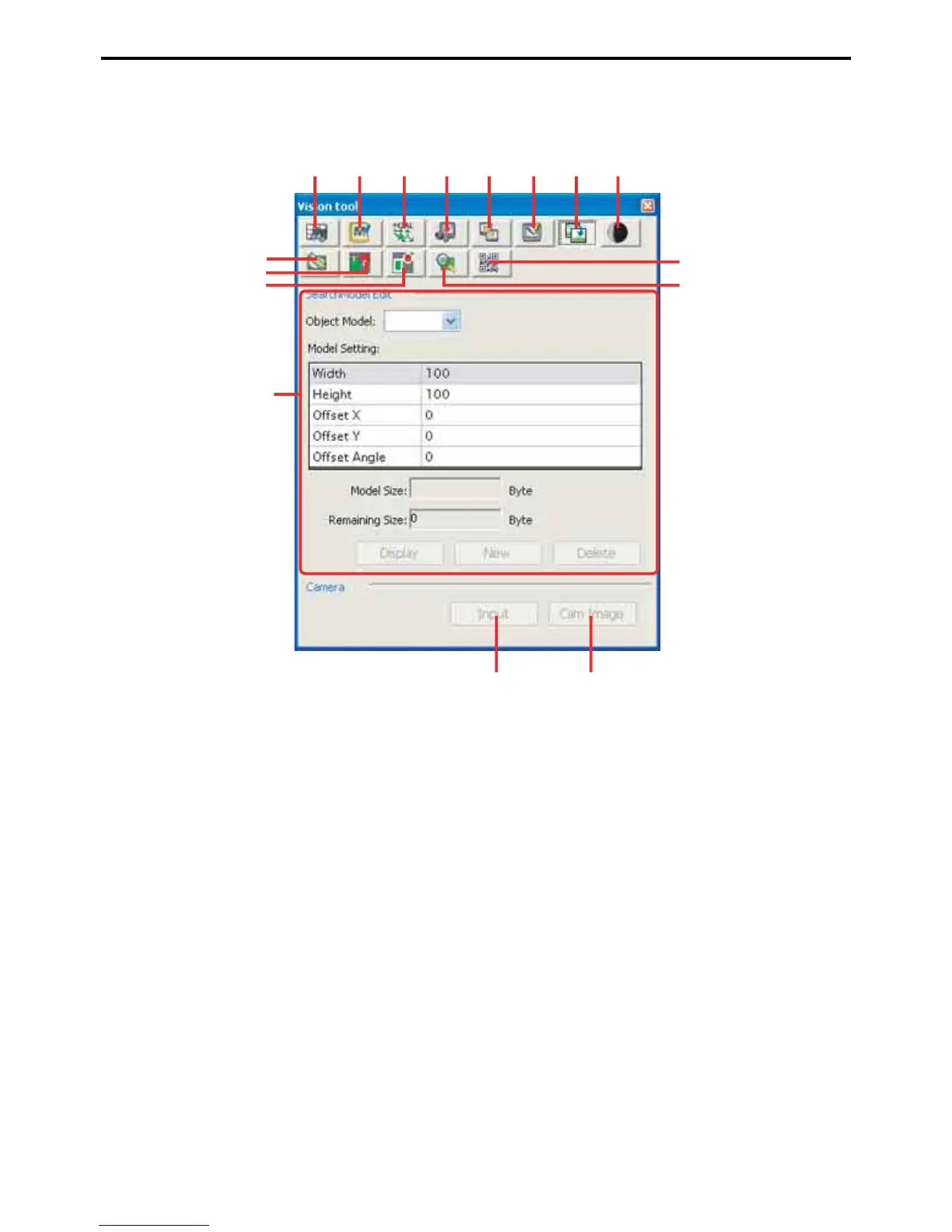
This window is for configuring the Vision Manager. Choose View|Vision Tool to display it in the Docking view
area.
The following buttons switch the configuration area of this window.
A: Lookup table
This button is for specifying lookup tables.
B: Edit macro name
This button is for editing window and search model macro names.
C: Calibrate
This button is for measuring coordinate conversion coefficients.
D: Camera input
This button is for copying a camera image to an image processing screen.
E: Screen display
This button switches the Vision monitor window.
F: Edit window
This button enables window editing.
G: Edit search model
This button enables search model editing.
H: Register digitization
This button is for determining the digitization thresholds for image analysis.
A
J
BCDEFGH
I
K
L
N
OP
M



 To Next Page