Chapter 9 Vision Manager
155
9.2.7.1 Creating a new search model
Operating procedure
1. Enter a number for the new search model in the Target field.
2. Adjust the search model shape and offsets.
3. Press the Register button.
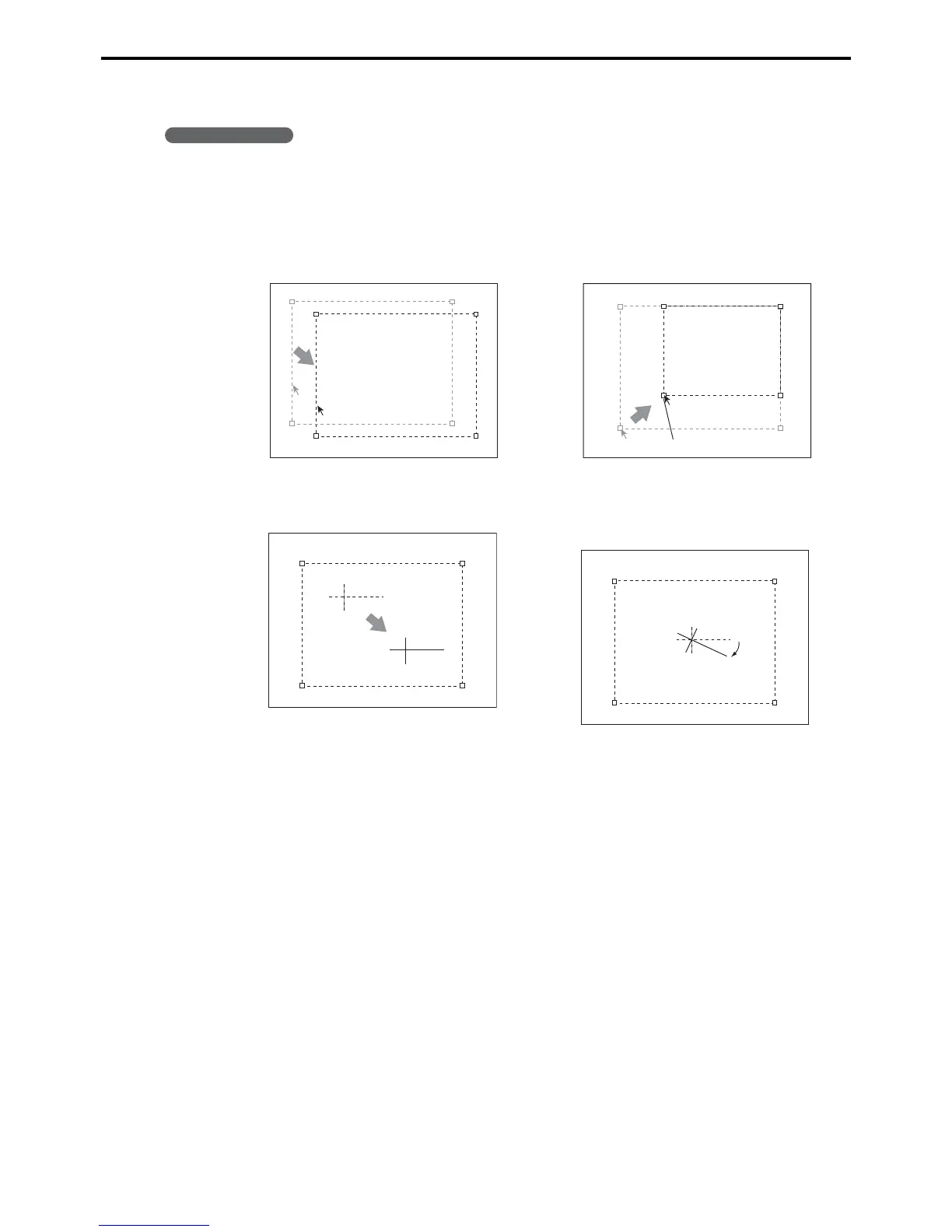
Moving the window
Drag the window outline to move the window.
Changing the size
Drag a window corner to resize the window.
Changing offset
Drag the crosshairs to adjust an offset position.
Changing the offset angle
Drag the long arm of the crosshairs to adjust the
offset angle.
Window corner



 To Next Page