174
Chapter 9 Vision Manager
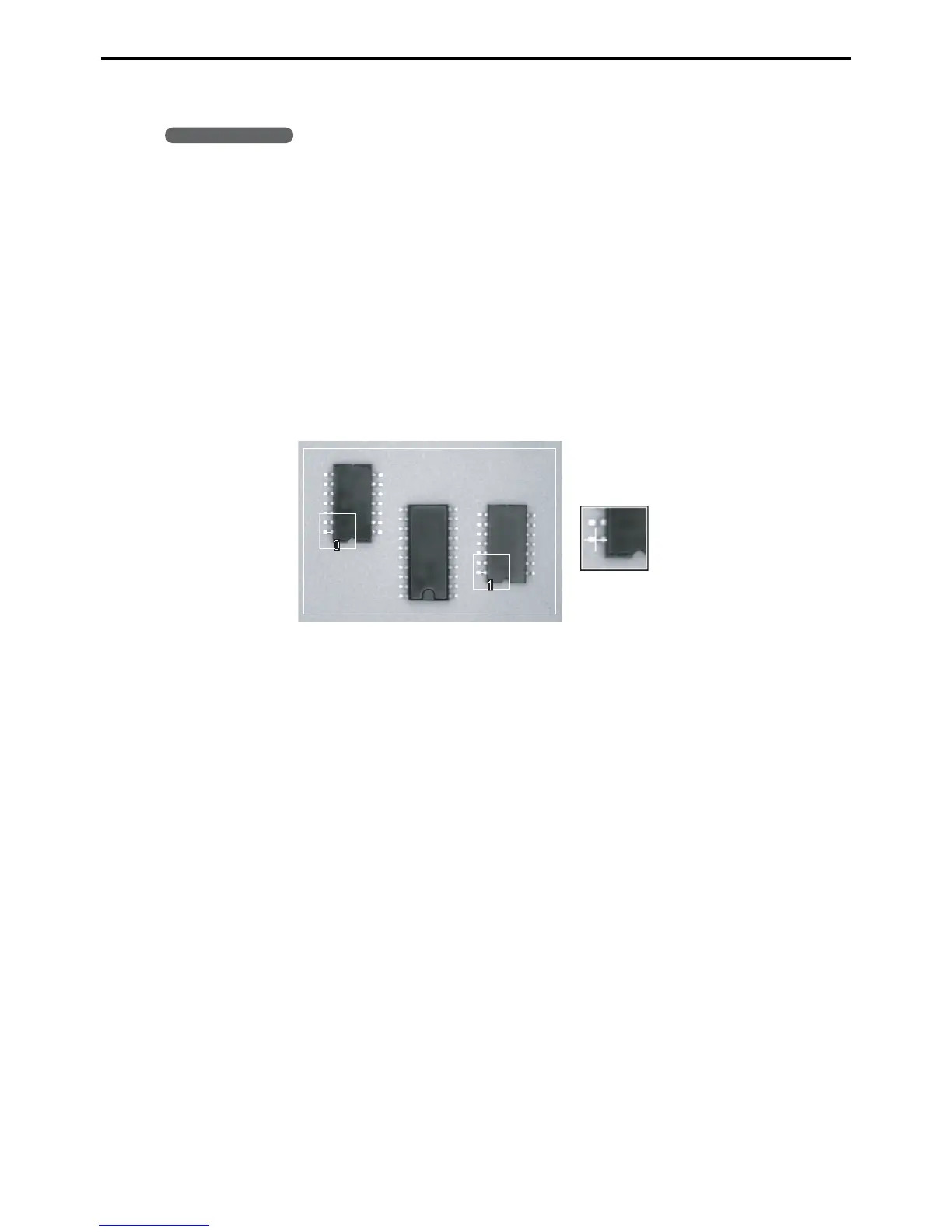
9.2.12.2 Running a model search
Operating procedure
1. Choose a target window range to measure.
2. Choose a search model.
3. Specify the match judgment criterion.
4. Choose the detection unit: pixel or subpixel.
5. Specify the detection count.
6. Specify the starting and end angles.
7. Press the Measure button to display the resulting boundaries on the histogram, save them
in the two boundary fields of the Digitization settings screen, and display the results in the
Vision monitor window.
Search model



 To Next Page