User Manual DEV 1951
44 Copyright DEV Systemtechnik GmbH 2004-2017
Note:
Both, username and password are case sensitive.
Note the header in the Start Screen:
DEV 1951
SystemName
SystemLocation
The labels "SystemName" and "SystemLocation" are the SNMP variables
'System Name' and 'System Location'; both can be set within the SNMP setup
(please refer to chapter 5.5.7.2.2).
If the Start Screen is unavailable, make sure that the computer accessing the
device is in the same subnet of the common network (chapter 4.4.2.1).
If the network connection to the device gets lost during a session, an appropri-
ate notification will pop up. After confirmation, the web browser is redirected
to the Start Screen. If the device is accessible again, a new authentication is
required.
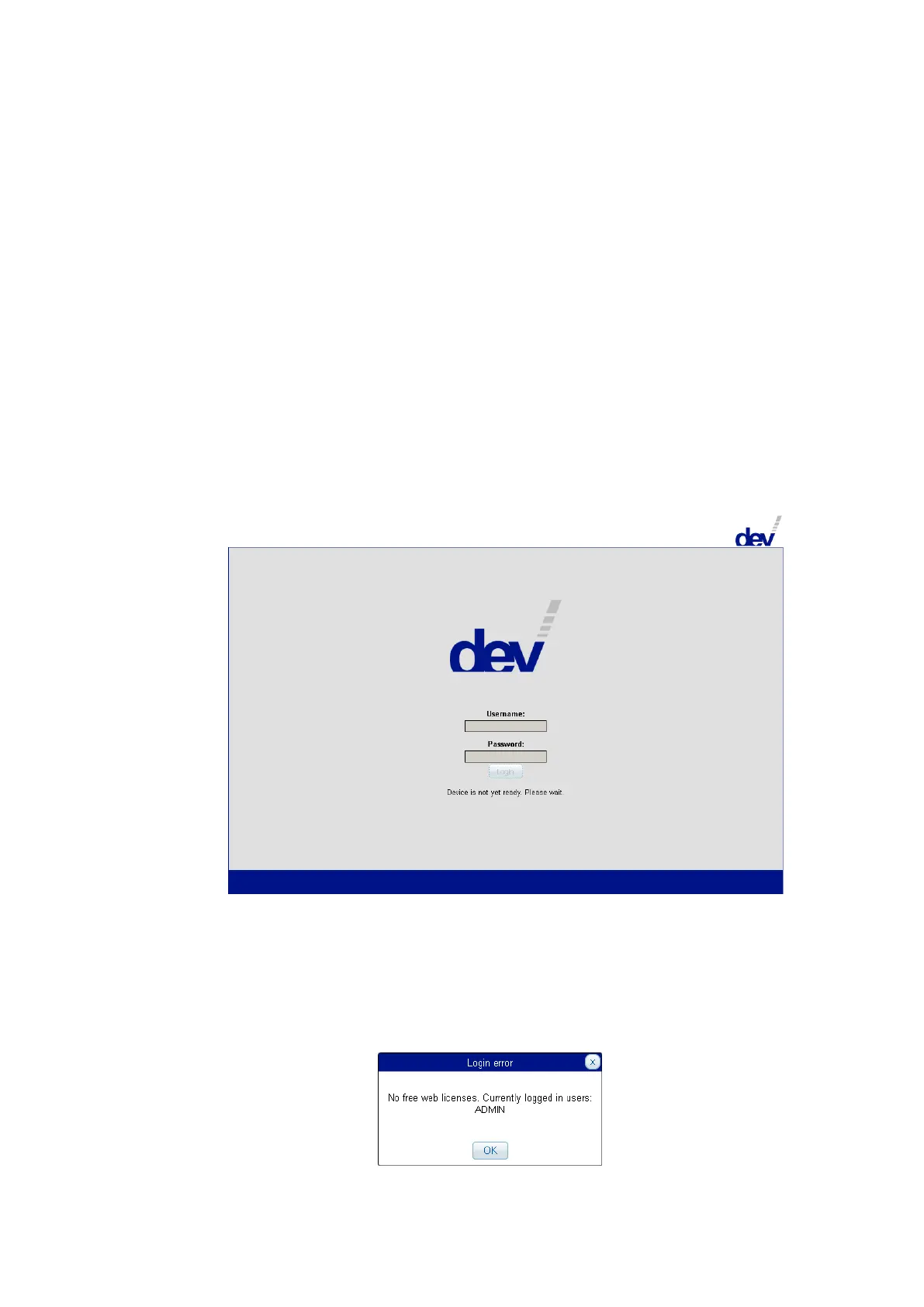
During power-up or after a reset the device displays a different screen:
If the device is operational (again), the screen usually automatically changes to
the Start Screen, thus enables the input fields to be edited; if not, please use
the refresh functionality of your web browser (e.g. the function key F5).
The Web Interface permits the definition of a number of users for accessing the
Web Interface in parallel (in accordance to the number of installed licenses). An
additional user who tries to log in receives a corresponding notification
informing about the logged in user(s), e.g.:



 To Next Page