User Manual DEV 1951
Copyright DEV Systemtechnik GmbH 2004-2017 43
5.5 Operation via Web Interface
The Web Interface is a comfortable user interface for operating the product, i.e. the
device is controlled via a computer and a Web Browser as the communication
application. Several users (assumed the appropriate number of licenses) can access
the device at a time. Eight licenses are included in the delivery and it is possible to
purchase additional license keys at any time, please contact DEV Systemtechnik.
Note:
Most of the screenshots shown in the following were made from the Web
Interface of a DEV 1951 equipped with two sensing switch modules and with
applied Option 28 (automatic switch back) and with applied Option 37 (TRAC).
Other configurations may deviate from the layout but not from the basic
functionality of the Web Interface.
5.5.1 Start of the Web Interface
To start the Web Interface open a web browser (recommended is Mozilla Firefox
(version 3.5 or higher), also Chrome, Opera, Safari, or Internet Explorer (starting
with version 8, recommended is version 9 or higher) are supported) and type in the
URL (IP address) of the device:
http://<IP-of-the-device>/
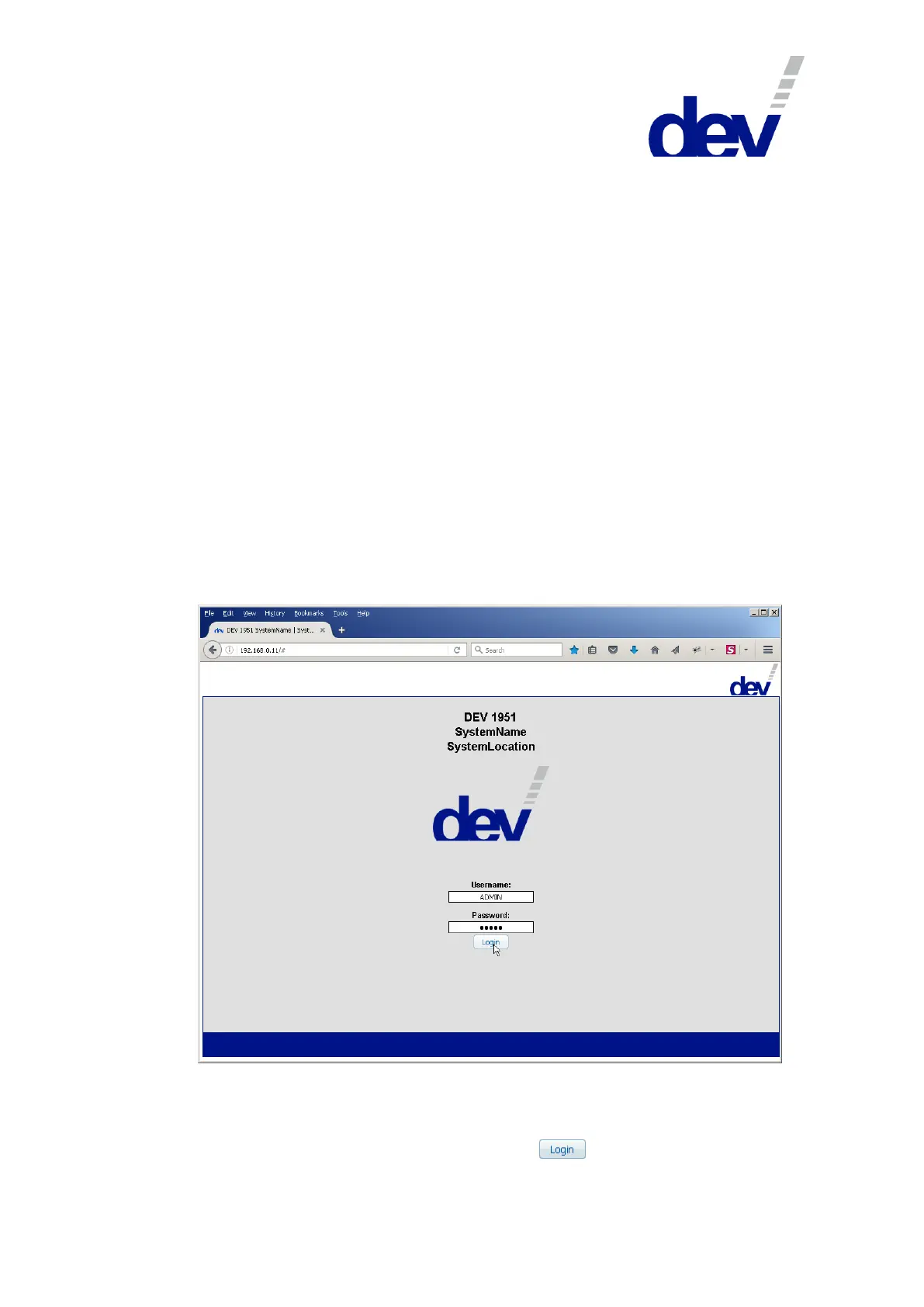
After a moment, the Start Screen of the Web Interface appears:
To log on the first time use the factory default account:
Username: ADMIN
Password: ADMIN
After entering username and password, click on .



 To Next Page