User Manual DEV 1951
Copyright DEV Systemtechnik GmbH 2004-2017 69
time server configuration". Time Based Switching can be activated in such a case as
well, but this may cause unwanted switching of the device.
Neither the activated time triggers nor the activated Switching Actions are
checked for ambiguity or contradictions. The behavior of the device is not
predictable in such a case.
It is recommended to perform Time Based Switching with the device set to
Individual switching mode (chapter 5.5.4.1) and rather to use appropriate
configured Switching Actions to avoid unwanted switching behavior.
To copy a trigger click on the (copy entry) icon left to the (trash bin)
icon of the trigger entry. The copy that is appearing has the same name but
with a leading "Copy of" (which can be renamed by double clicking the name).
To delete a trigger click on the (trash bin) icon right to the trigger entry.
A window pops up for confirmation.
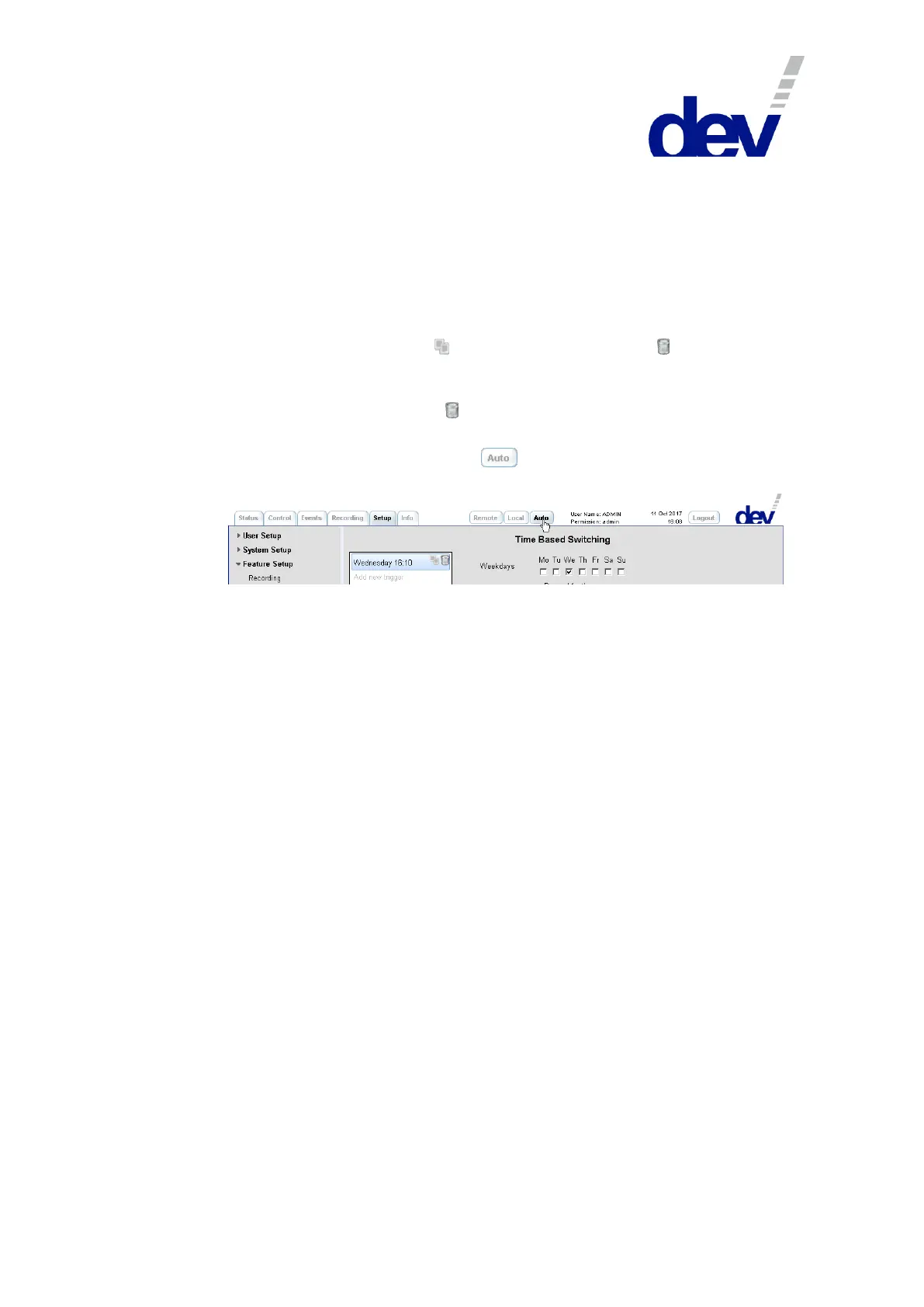
Finally, do not forget to click on the button to activate the Time Based
Switching functionality:
5.5.7.3.4 TRAC
The TRAC submenu is available in the menu item Feature Setup of the Setup Tab
only if the device is equipped with Option 37.
TRAC (stands for "Trap Receiver Action Controller") is a powerful feature enabling
the device to execute Switching Actions (please refer to chapter 5.5.7.3.5.1) based
on received SNMP traps or on IP monitoring.
The following prerequisites are to be considered:
TRAC is to be configured via the Web Interface, only.
If Switching Actions based on received SNMP traps (trap triggers) are pursued,
the DEV 1951 must be configured as trap destination within the device that is
sending the traps.
For example, if the device is a DEV 1953, activate the SNMP setup (chapter
5.5.7.2.2) there and enter the IP address of the DEV 1951 in one of the four
Trap Destination IP Address fields. No changes on the port setting (162) or on
the community are required if the TRAC Setup (chapter 5.5.7.3.4.1, description
of the upper section) of the DEV 1951 was not changed. Then, one or more
traps should be enabled within the SNMP setup of the DEV 1953 before saving
the changes.
Note that traps received by the device (in the example: the DEV 1951) can be
monitored via the Trap Log (chapter 5.5.7.3.4.3).
If Switching Actions based on IP Monitoring are pursued, the target device
causing Switching Actions has to support and must be reachable via ICMP Echo
Requests (better known as "ping").
Select "TRAC" in the drop down list "Auto Mode Assignment" of the Auto Mode
entry (chapter 5.5.7.3.2) and save the change.
It is recommended to activate Individual switching mode (e.g. via the Control
Tab in Local Mode, chapter 5.5.4.1) and to define the necessary Switching



 To Next Page