User Manual DEV 1951
64 Copyright DEV Systemtechnik GmbH 2004-2017
5.5.7.3 Feature Setup
The Feature Setup menu item on the left side of the Setup Tab provides access for
users with "admin" permission to the device specific setup entries, i.e. to the
Recording entry, to the Auto Mode entry, to the Time Based Switching entry, and
to the optional TRAC submenu plus the Actions submenu.
5.5.7.3.1 Recording
This entry is available only if the product is equipped with sensing switch modules.
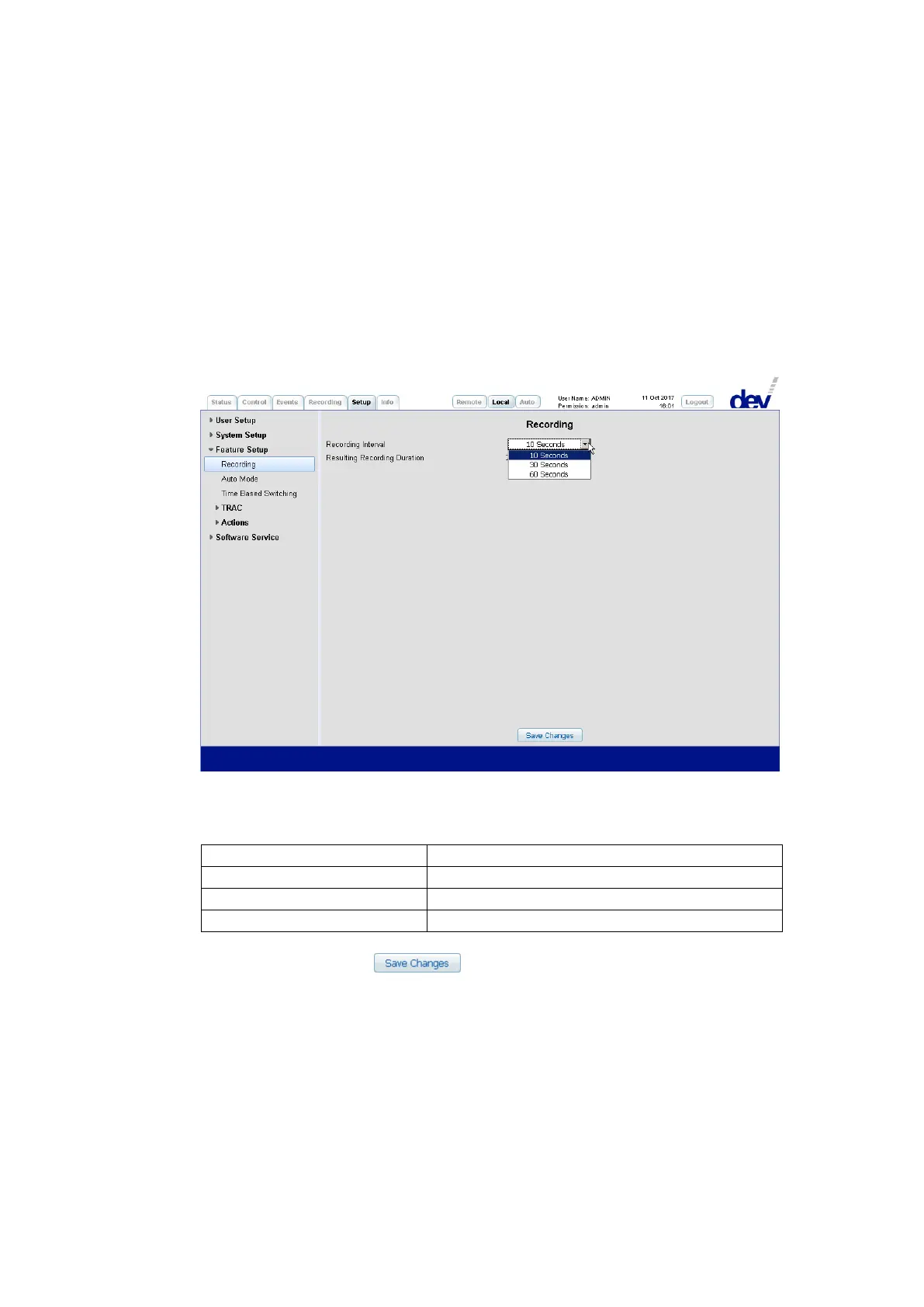
The Recording entry permits the configuration of the interval for the signal
recording functionality; please refer to chapter 5.5.6.
Via the "Recording Interval" drop down list the interval for the regular data capture
can be selected. After an entry was picked, the "Resulting Recording Duration" is
displayed in the line below. The following choices are available:
Resulting Recording Duration
Note:
After clicking on the button with a different recording interval
selected than the currently applied setting all stored recording data is deleted
instantaneously; the recording starts with the new recording interval setting.
The default recording interval setting is 10 seconds; after a Restore Factory
Defaults (chapter 5.5.7.4.1), this setting is applied as well.



 To Next Page