User Manual DEV 1951
62 Copyright DEV Systemtechnik GmbH 2004-2017
Note:
The strings "System Name" and "System Location" are part of standard SNMP
functionality and are limited to 40 characters, each. The number of visible
characters in the text fields is limited by the field size.
As mentioned, the strings "System Name" and "System Location" are also
displayed in the Start Screen of the Web Interface (chapter 5.5.1).
5.5.7.2.3 CPH
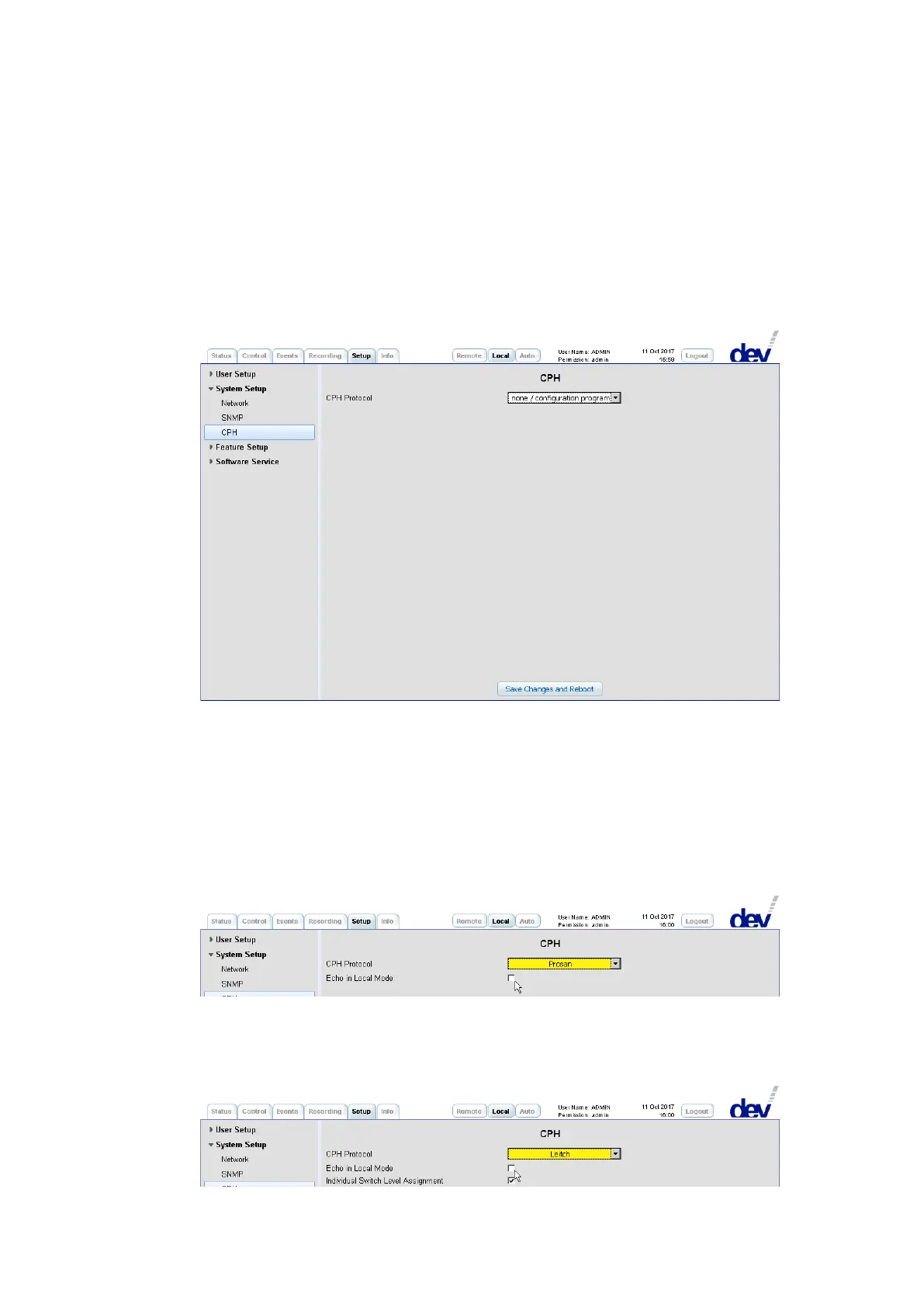
To change the protocol assignment within the CPH setup, select the desired proto-
col from the drop down list "CPH Protocol": If "none/configuration program" is
selected, the CPH is disabled and the serial interface is used for the configuration
program (please refer to chapter 4.4.2.2) with the settings described in chapter
4.4.1.1. Selecting any other entry changes the assignment to the selected protocol
(Prosan, Leitch, or QEC):
If "Prosan" is selected, the check box "Echo in Local Mode" appears in addition to
the drop down list "CPH Protocol". Chapter 5.6.1 explains the impact when
enabling/disabling "Echo in Local Mode".
If "Leitch" is selected, the "Echo in Local Mode" and "Individual Switch Level Assign-
ment" check boxes are appearing in addition to the drop down list "CPH Protocol".
Chapter 5.7.1 explains the impact when enabling/disabling "Echo in Local Mode"
and "Individual Switch Level Assignment".



 To Next Page