Digital Dream Standalone Motion Controller DDCS-Expert Users ManualPage-38
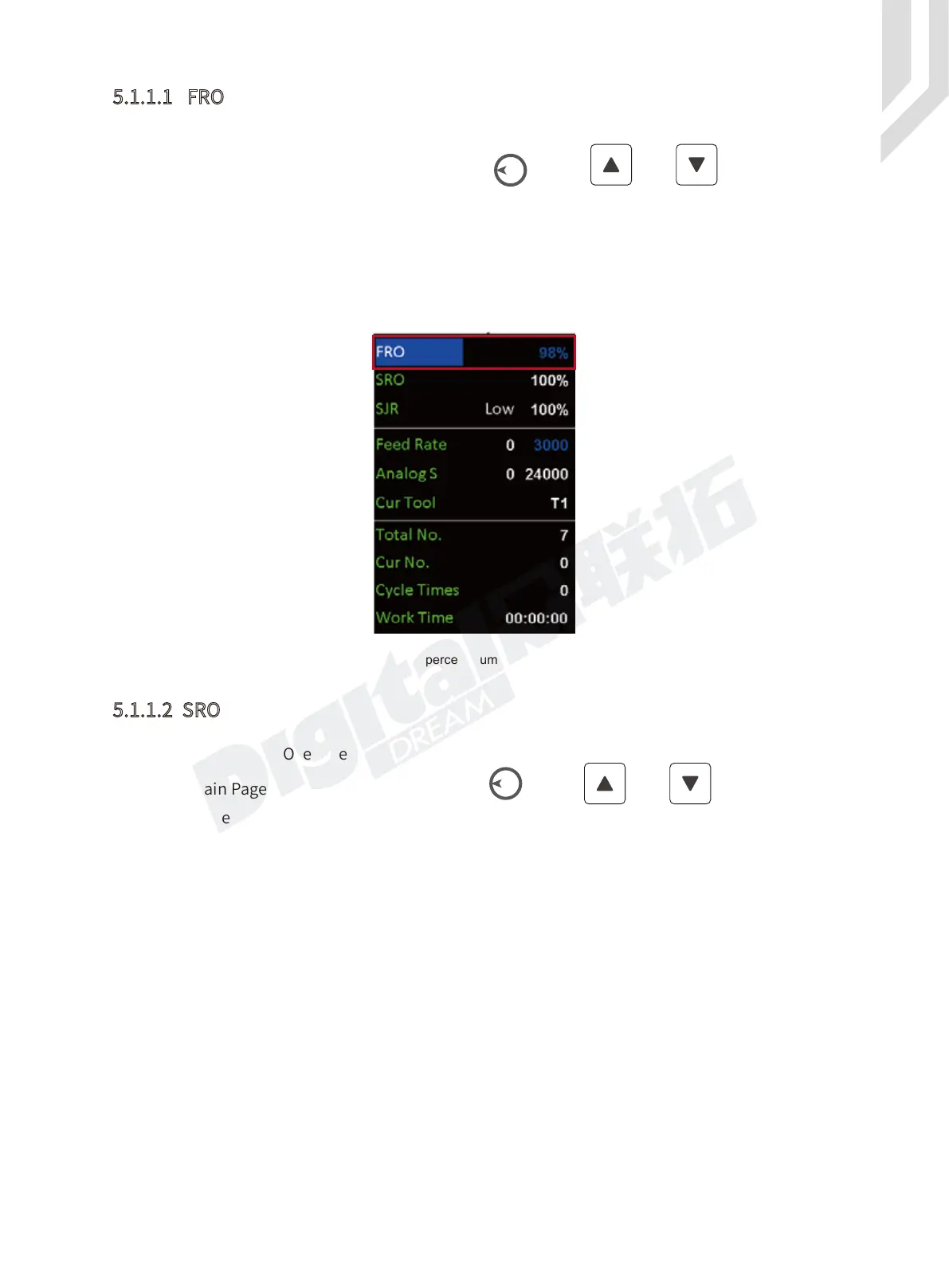
FRO: Feed Rate Override.
Figure 5-4 When the percent number is Blue,we can edit FRO
5.1.1.1 FRO
5.1.1.2 SRO
In the Main Page, By the Rotary button (Knob) or the and keys, we can
shift among the different colums. We move the cursor, select FRO and enter, the percent number
becomes blue, then we can use the knob or the Up / Down keys to edit the numbers. The percent
number increase or decrease in 1%, range is 0% - 120%.
After the setting done, don’t forget to press Enter to active the FRO.
SRO: Spindle Rate Override
In the Main Page, By the Rotary button(Knob) or the and keys, we can
shift among the different colums. We move the cursor, select SRO and enter, the percent number
becomes blue, then we can use the knob or the Up/Down keys to edit the numbers. The percent
number increase or decrease in 1%, range is 0% - 150%.
After the setting done, don’t forget to press Enter to active the SRO.



 To Next Page