Digital Dream Standalone Motion Controller DDCS-Expert Users ManualPage-47
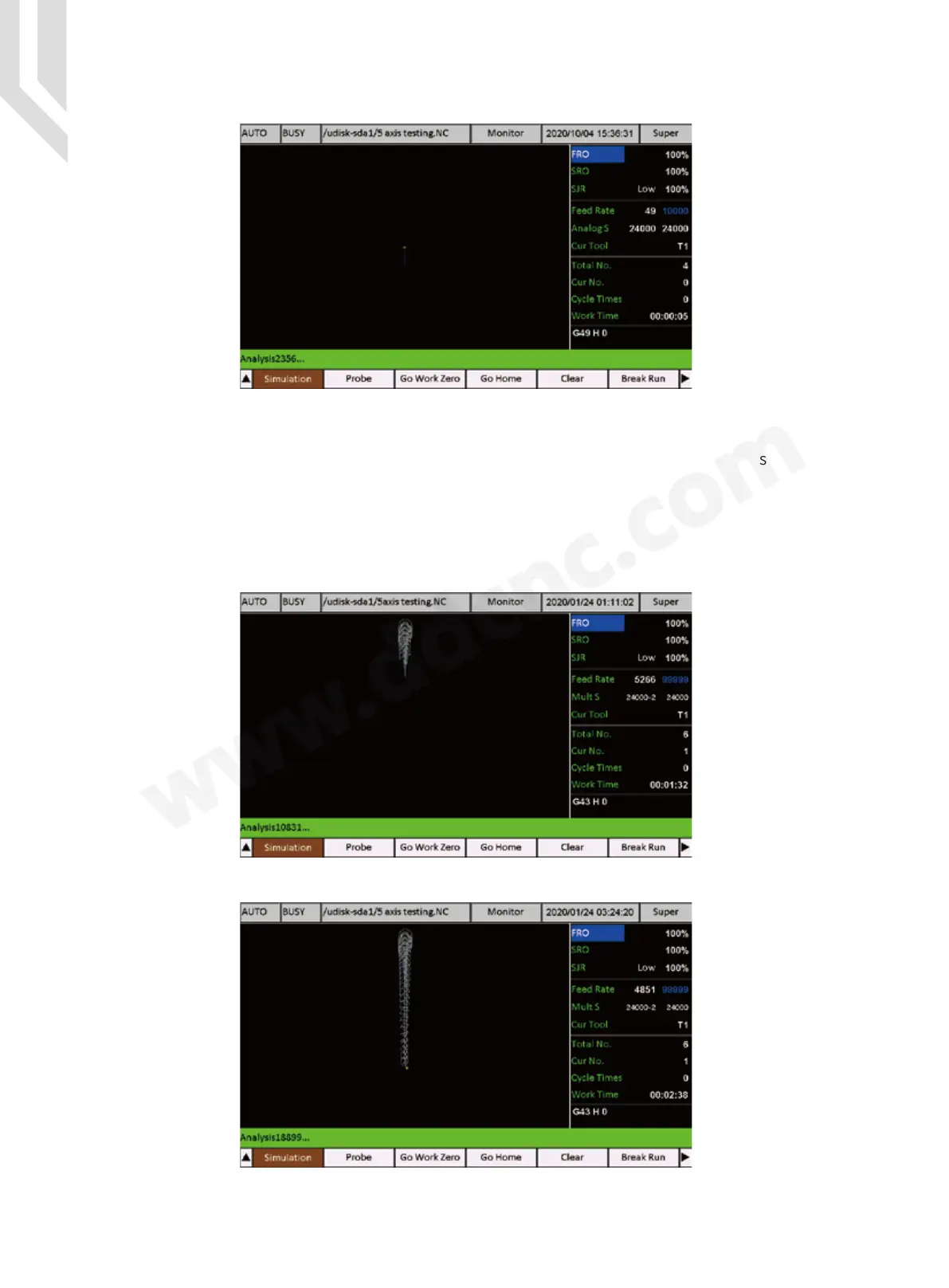
Press Start Key and the system start to simulate the G-code file :
Important:
1) Some users want that the system simulate the G-code file, but system does not send any
signals. Then we need to go to Program file,select the file and simulate.
2)If it’s first time the controller simulate the G-code file, the screen may not match well with
the toolpath screen. But after one time simulation,the system can match the file well with the
screen.
Figure 5-43 Simulate a G-code file
Figure 5-44 System is in Simulation
Figure 5-45 System is in Simulation
Figure 1-15 DDCS-Expert start to simulate a G-code file



 To Next Page