Digital Dream Standalone Motion Controller DDCS-Expert Users Manual
Page-74
5.1.11.3 Find a middle point for the Arc
Here we also take an example to introduce the function.
To find a middle point for an Arc, we need to set 3 points on the Arc. Lets say, the first point
is X = 50 / Y = 100, the second point is X = 100 / Y = 50, the third point is X = 50 / Y = 0.
Step 1: Set the first Point Position: We move the machine to X= 50 / Y = 100:
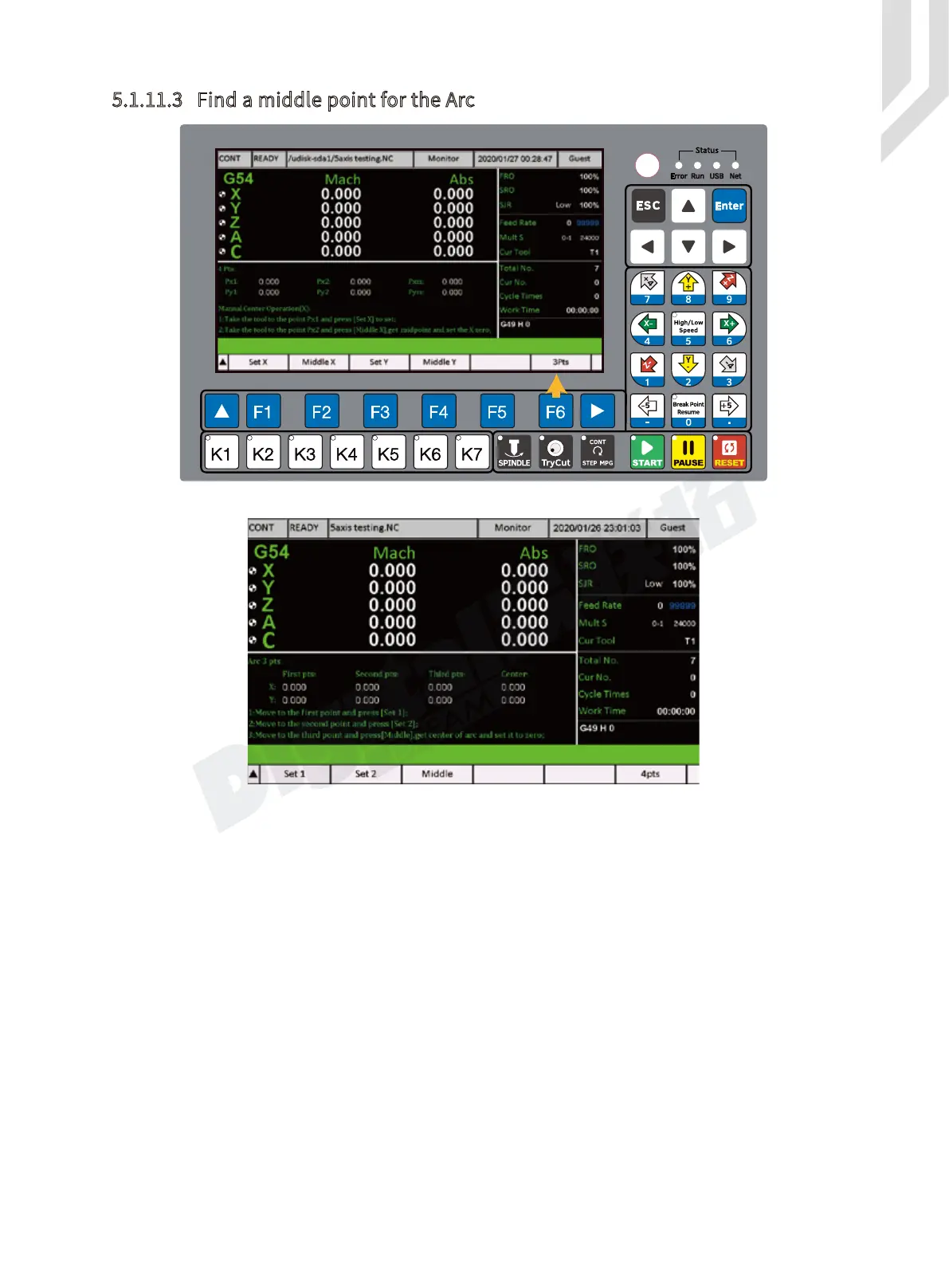
Figure 5-105 Press F6 Go to MIddle Arc Page
Figure 5-106 MIddle Arc Page



 To Next Page