Digital Dream Standalone Motion Controller DDCS-Expert Users Manual
Page-57
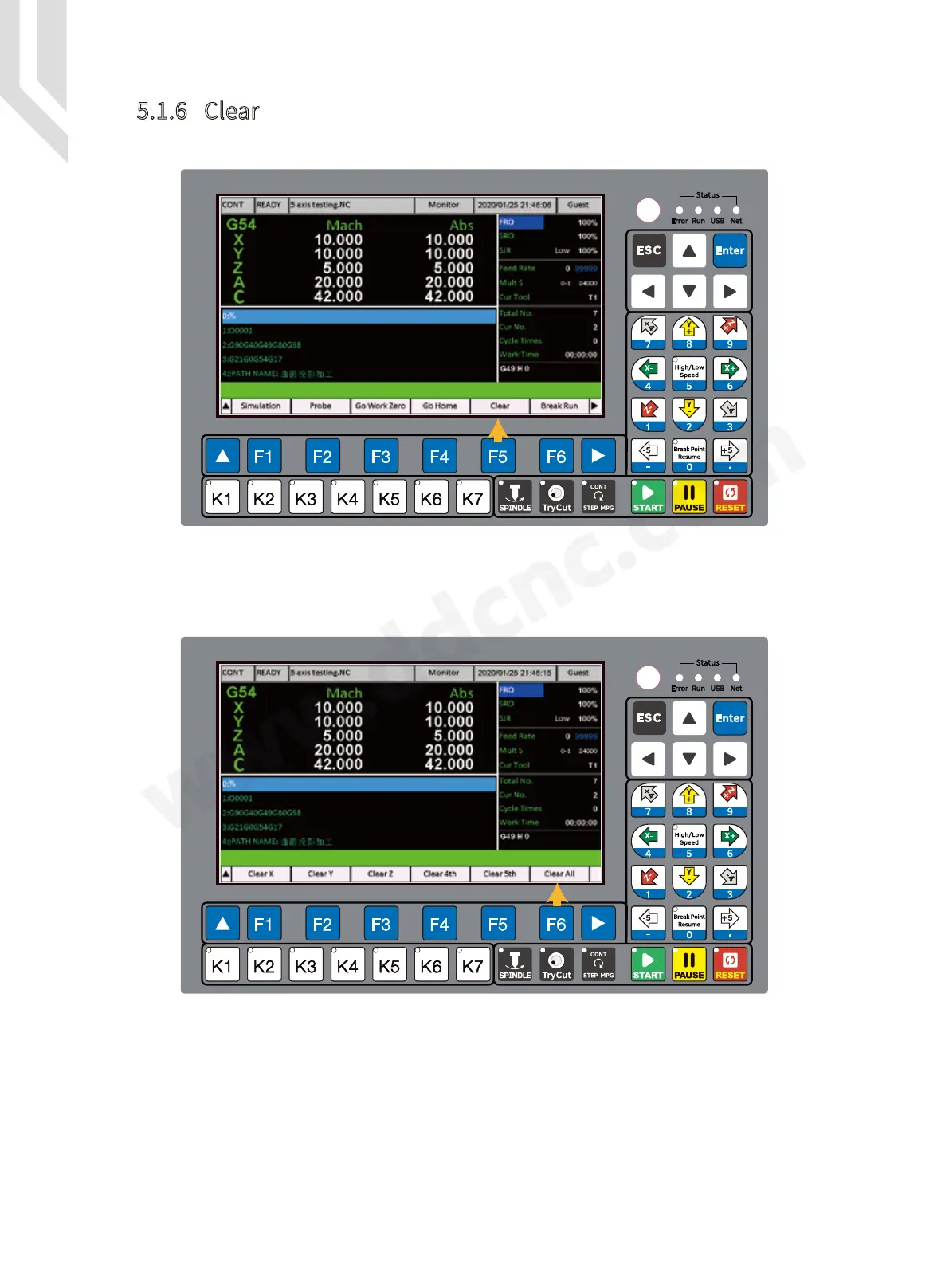
In the Monitor Page,Press F5 to go to “Clear” Page.
Here the users can choose singal axis go CLEAR, or can choose the All axis CLEAR. In our
example here we press F6 to “ Clear All ”.
Figure 5-65 Go to “Clear” Page
Figure 5-66 Sub-page of CLEAR
5.1.6 Clear



 To Next Page