Digital Dream Standalone Motion Controller DDCS-Expert Users Manual
Page-63
5.1.9.1 Select Coord
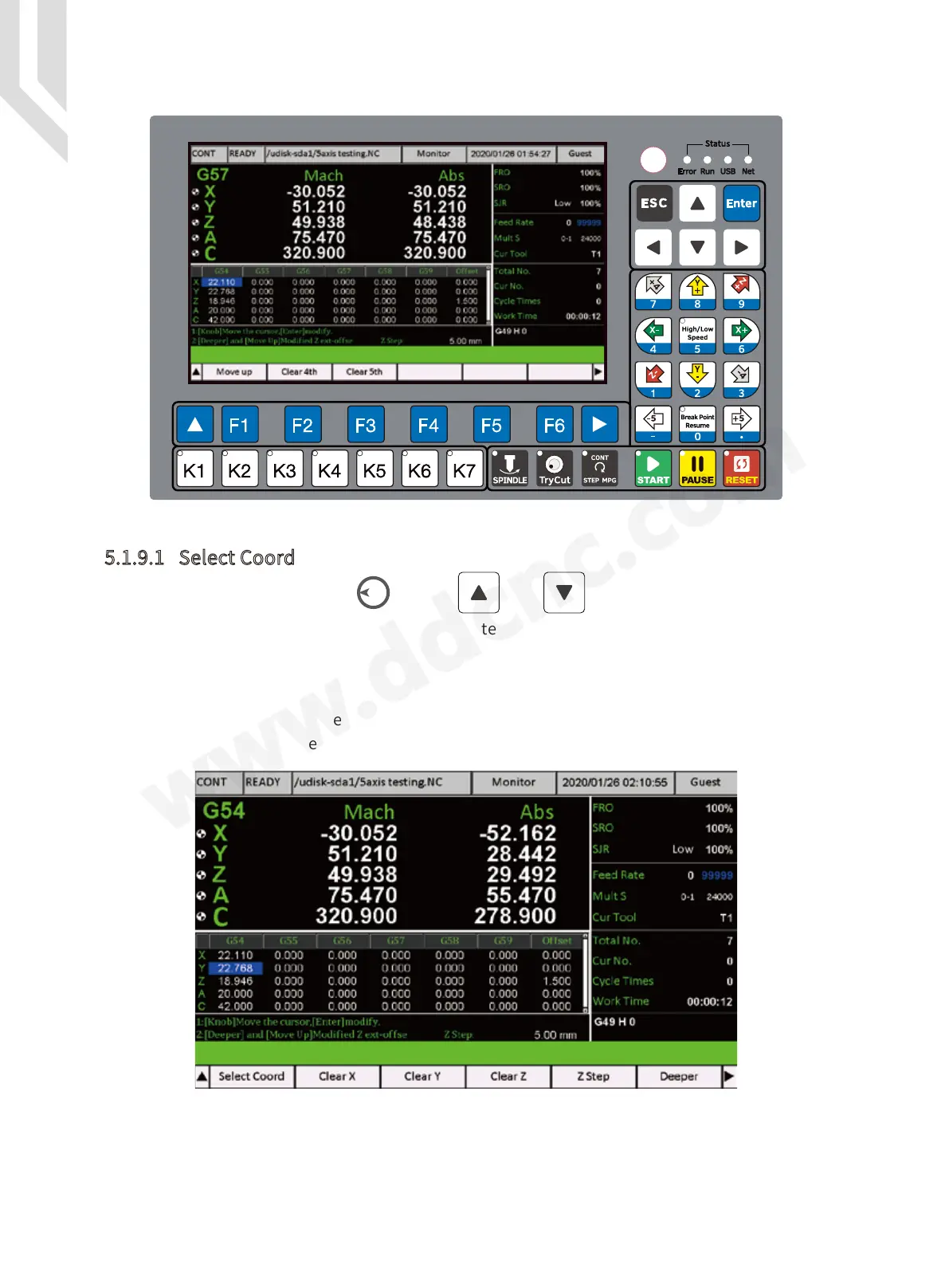
In the second page,there are function as Move Up / Clear 4th / Clear 5th.
So we can move our cursor to any Coordinate, and we press “Select Coord”, then the
current coordinate is the one we choose.
For example, we move the cursor to any block on G57, and we press “Select Coord” key,
then the current Coordinate change from G54 to G57:
Figure 5-84 Current Coordinate is G54
Figure 5-83 Second Page of Coor Set
By the Rotary button(Knob) or the and keys,wen can shift among the
different blocks. We select the block,and press Enter or knob,then we can write in numbers.



 To Next Page