Digital Dream Standalone Motion Controller DDCS-Expert Users ManualPage-53
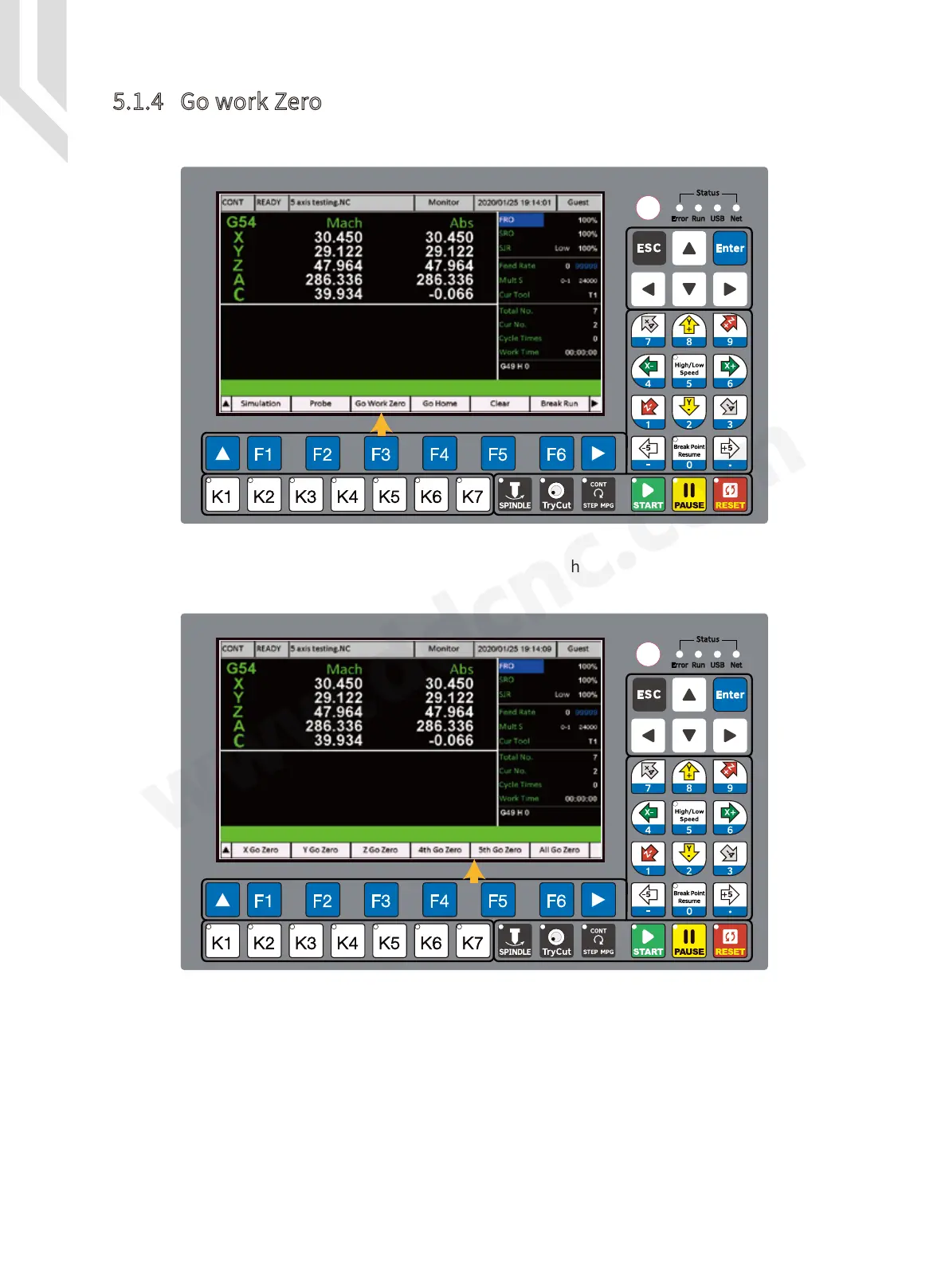
In the Monitor Page, Press F3 to go to “ Go work Zero ” Page.
Here the users can choose singal axis go to zero,or can choose the All axis go to zero. In our
example here we press F6 to “ All go Zero ”.
Figure 5-57 Sub-page of Go Work Zero
5.1.4 Go work Zero
Figure 5-56 Go work Zero Page



 To Next Page