Digital Dream Standalone Motion Controller DDCS-Expert Users Manual
Page-70
5.1.11.1 Find Middle Point in X Axis
In the First Page of Middle, there are 5 funcitional buttons. Following, we will take example
of how to set the Middle to introduce how to use them.
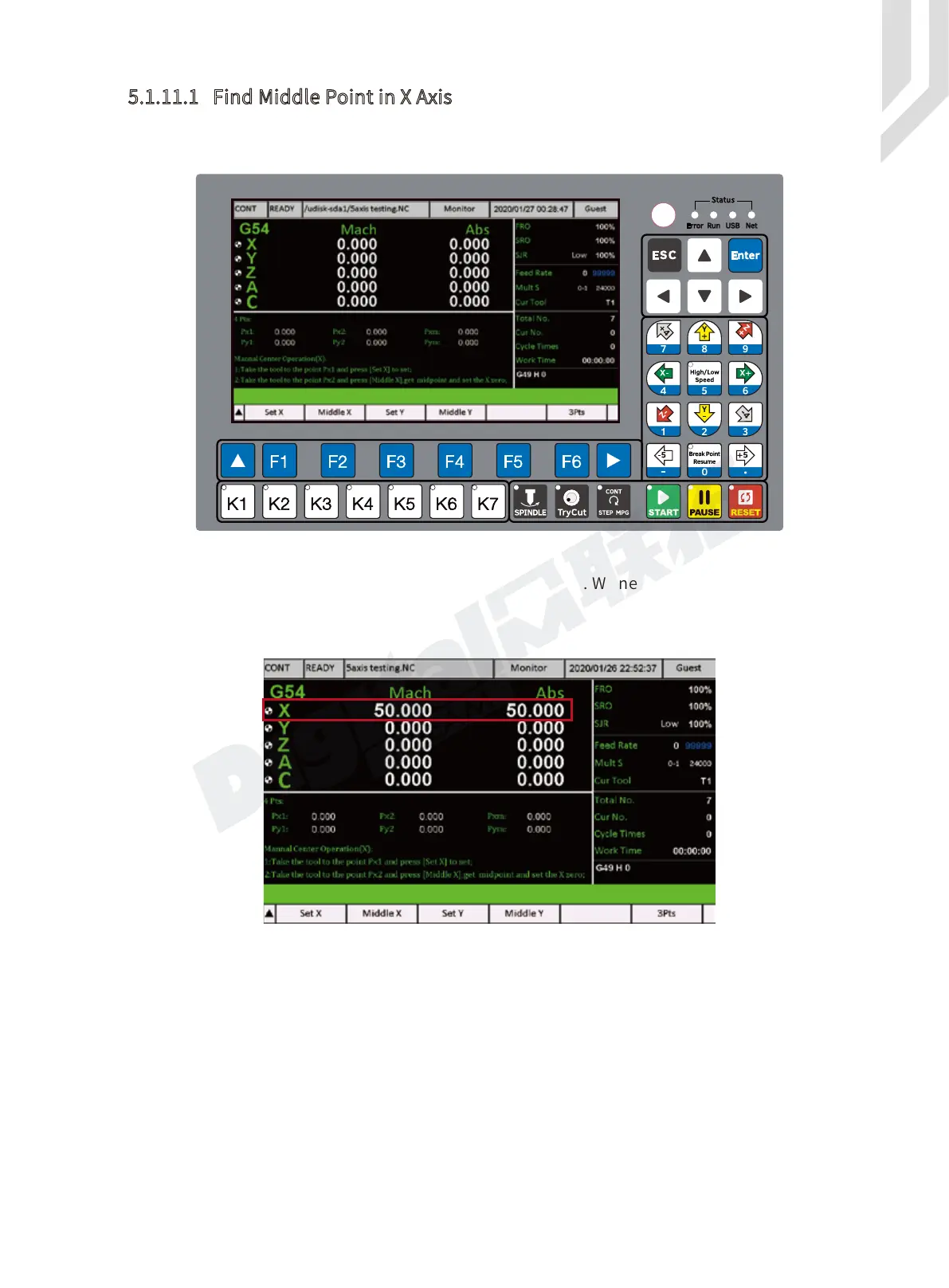
Now we set a start point is X = 50, an end point is X = 100. We need to find a Middle from this
two point.
Step 1: We move the X axis to X = 50 :
Step 2: Press “ Set X ” ( F1 )
Then the first point is saved.
Figure 5-96 Middle Page
Figure 5-97 X=50



 To Next Page