Digital Dream Standalone Motion Controller DDCS-Expert Users Manual
Page-75
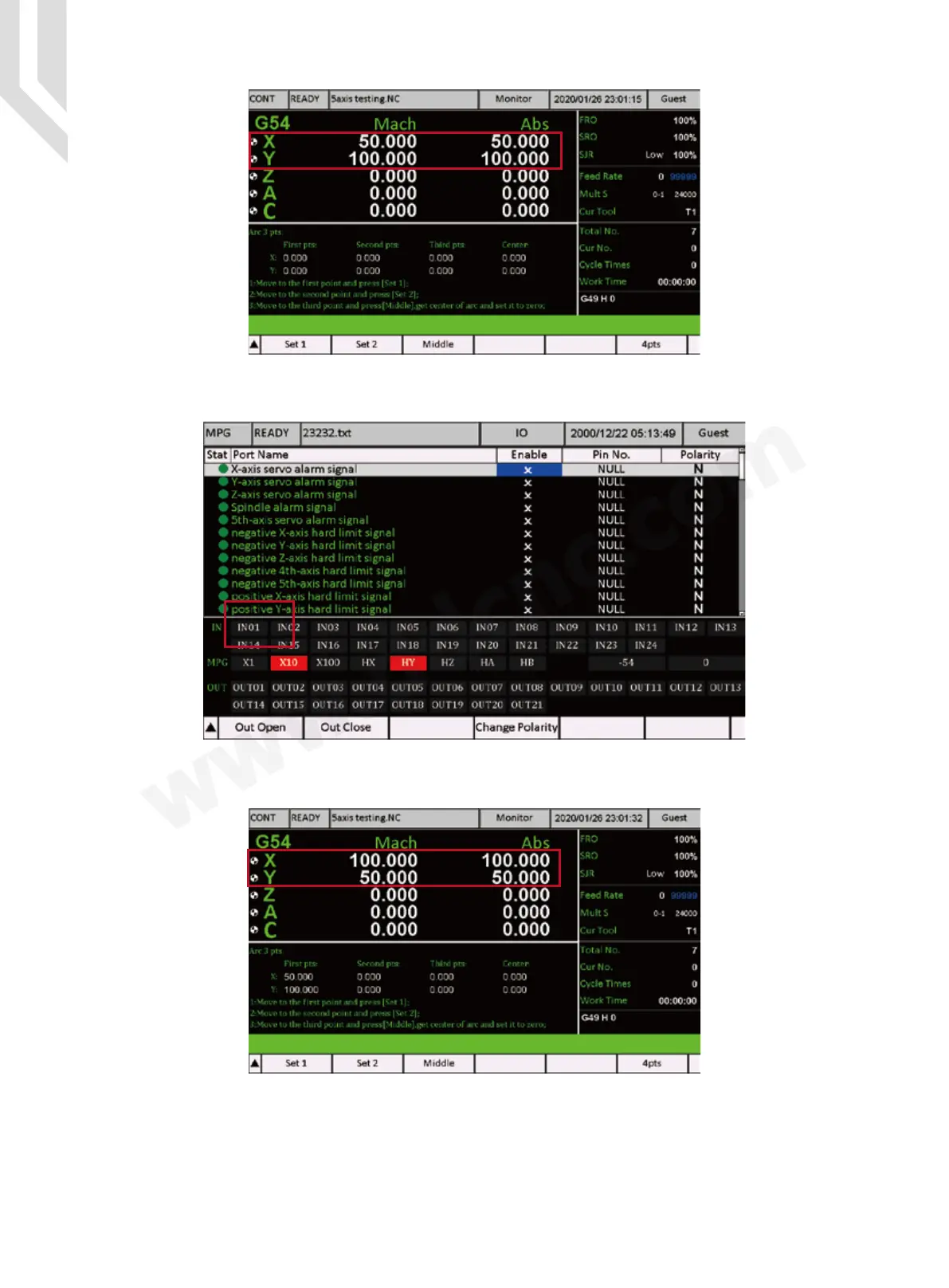
Step 3: Set the second Point Position: We move the machine to X = 100 / Y = 50:
Figure 5-107 X=50,Y=100
Figure 5-108 First point Position is saved
Figure 5-109 X=100,Y=50
Step 2:Press “Set 1” Key ( F1 ), then the first point Position is saved.
Step 4:Press “Set 2” Key (F2),then the second point Position is saved.



 To Next Page