66 ECY-303 Preloaded Applications
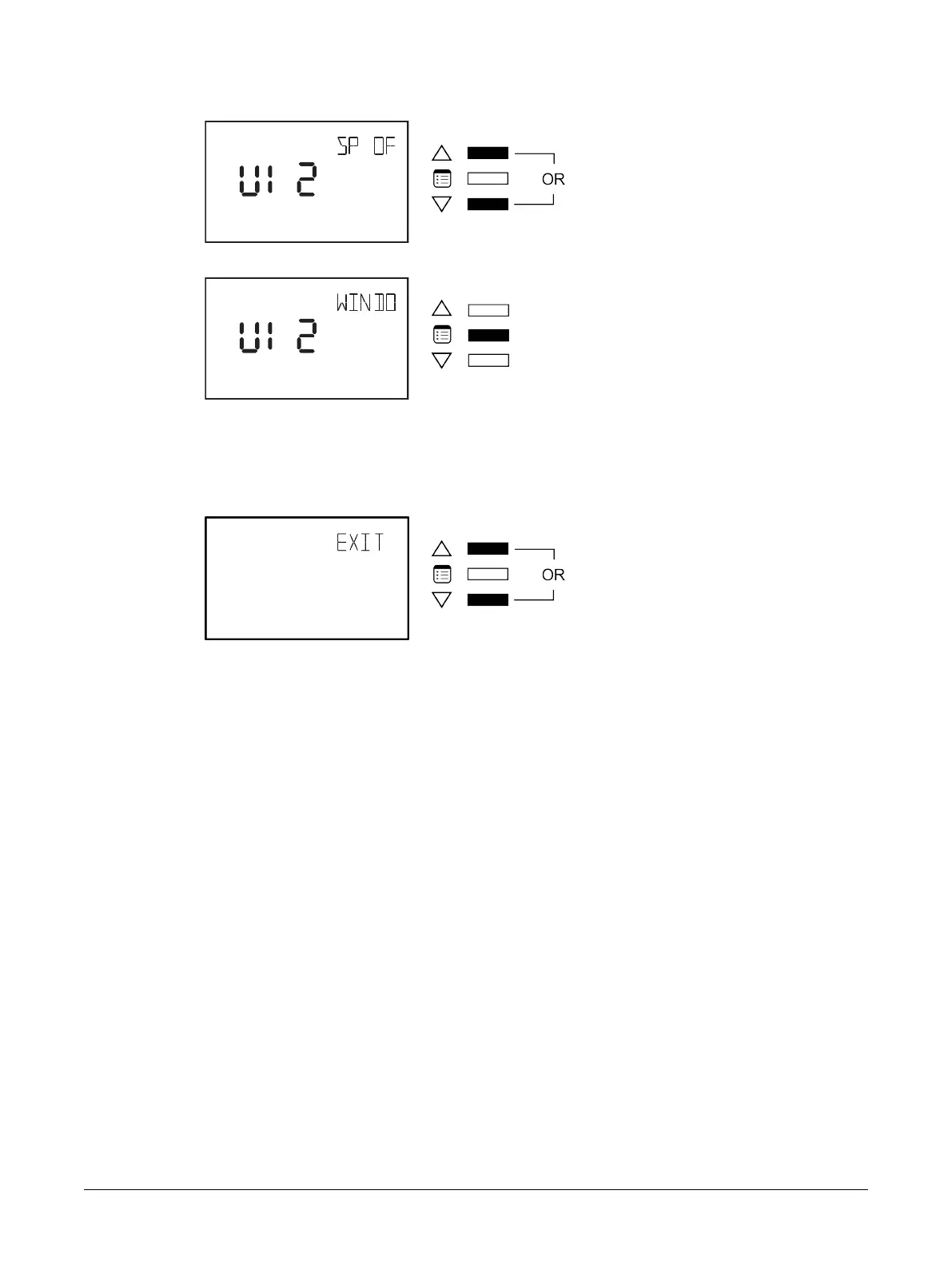
6. Use either of the arrow keys to change the input type.
7. Press the Menu button to validate your change.
How to Exit the Input Configuration Submenu
To exit the Input Configuration submenu and go up one level, do one of the following:
£ Press the Menu button several times until the Exit screen appears. Then press either of the arrow
keys.
£ Press and hold the Menu button for 5 seconds.
Allure EC-Smart-Vue Screen-by-Screen Guide











 To Next Page