DOBOT CR5 User Guide 4 Installation and Commissioning
Issue V3.5.3.1 (2020-05-09) User Guide Copyright © Yuejiang Technology Co., Ltd
36
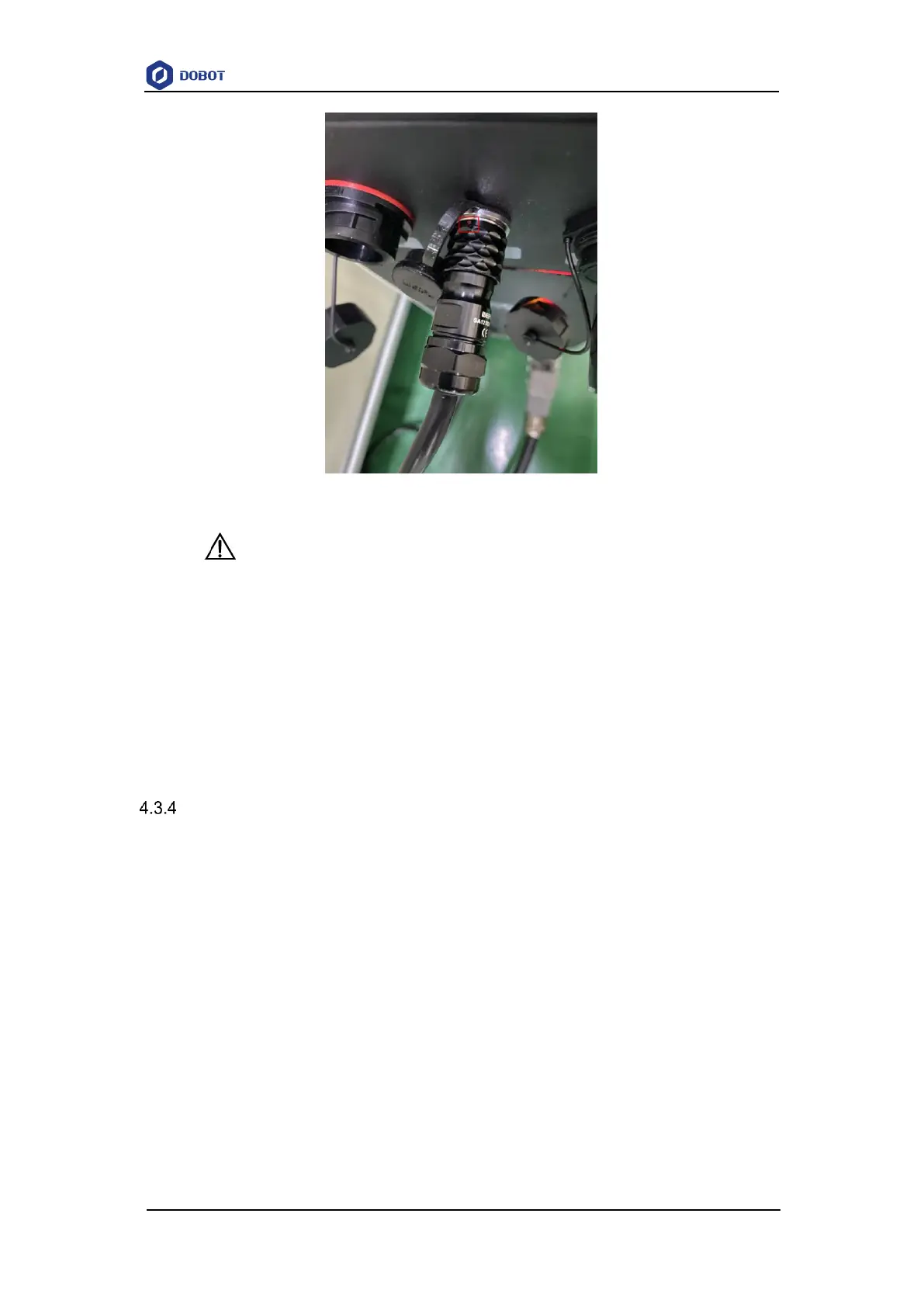
Figure 4.3 Connecting emergency stop switch
NOTICE
Before running a robot, please make sure that the emergency stop switch has been
turned on (the red button has been released). Otherwise, the robot cannot work
normally.
In the emergency situation, press the emergency stop switch to make the robot stop
running immediately.
Rotate the emergency stop switch (Red button) clockwise, If the red button is
released, the emergency stop switch is turned on successfully.
Connecting WiFi Module
Plug WiFi module into USB interface.as shown in Figure 4.4. The Overall connection diagram
is shown in Figure 4.4, the default IP is 192.168.1.6.



 To Next Page