DOBOT CR5 User Guide 5 Function Description of Software
Issue V3.5.3.1 (2020-05-09) User Guide Copyright © Yuejiang Technology Co., Ltd
53
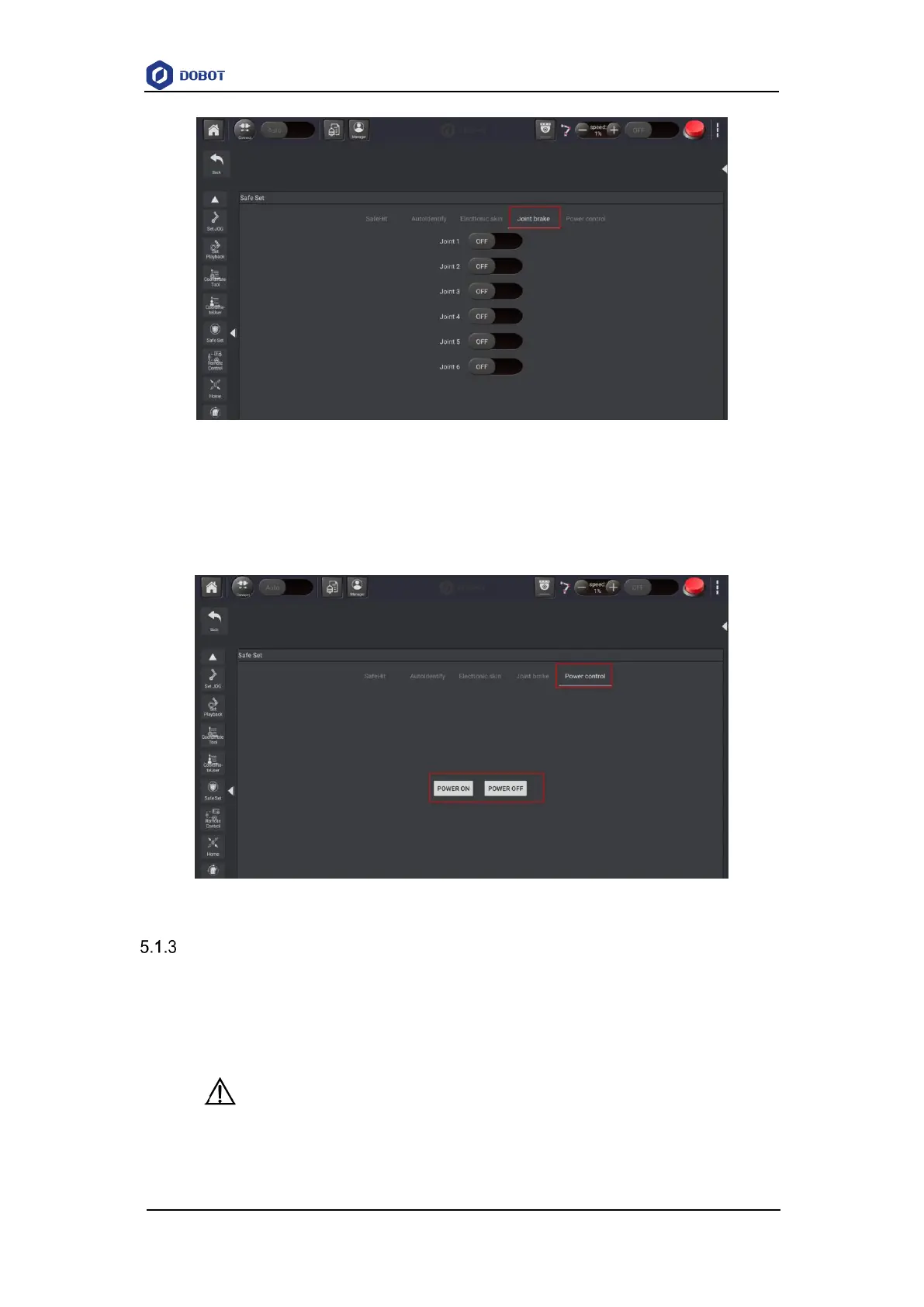
Figure 5.15 Joint brake
5.1.2.4 Power Control
This function is used to control robot power on or power off.
Figure 5.16 Power control
Remote Control
External equipment can send commands to a robot by different remote control modes, such as
remote I/O mode and remote Modbus mode. The default mode is Teaching mode when the robot is
shipped out. When you need to set the remote mode, please set it on APP with the robot motor in
the disabled state.
NOTICE
Robot rebooting is not required when switching the remote mode.
The emergency stop switch on the hardware is always available no matter what



 To Next Page