DOBOT CR5 User Guide 5 Function Description of Software
Issue V3.5.3.1 (2020-05-09) User Guide Copyright © Yuejiang Technology Co., Ltd
52
In the safety setting module, you can set safety parameters such as safety hit, power control,
joint brake, etc.
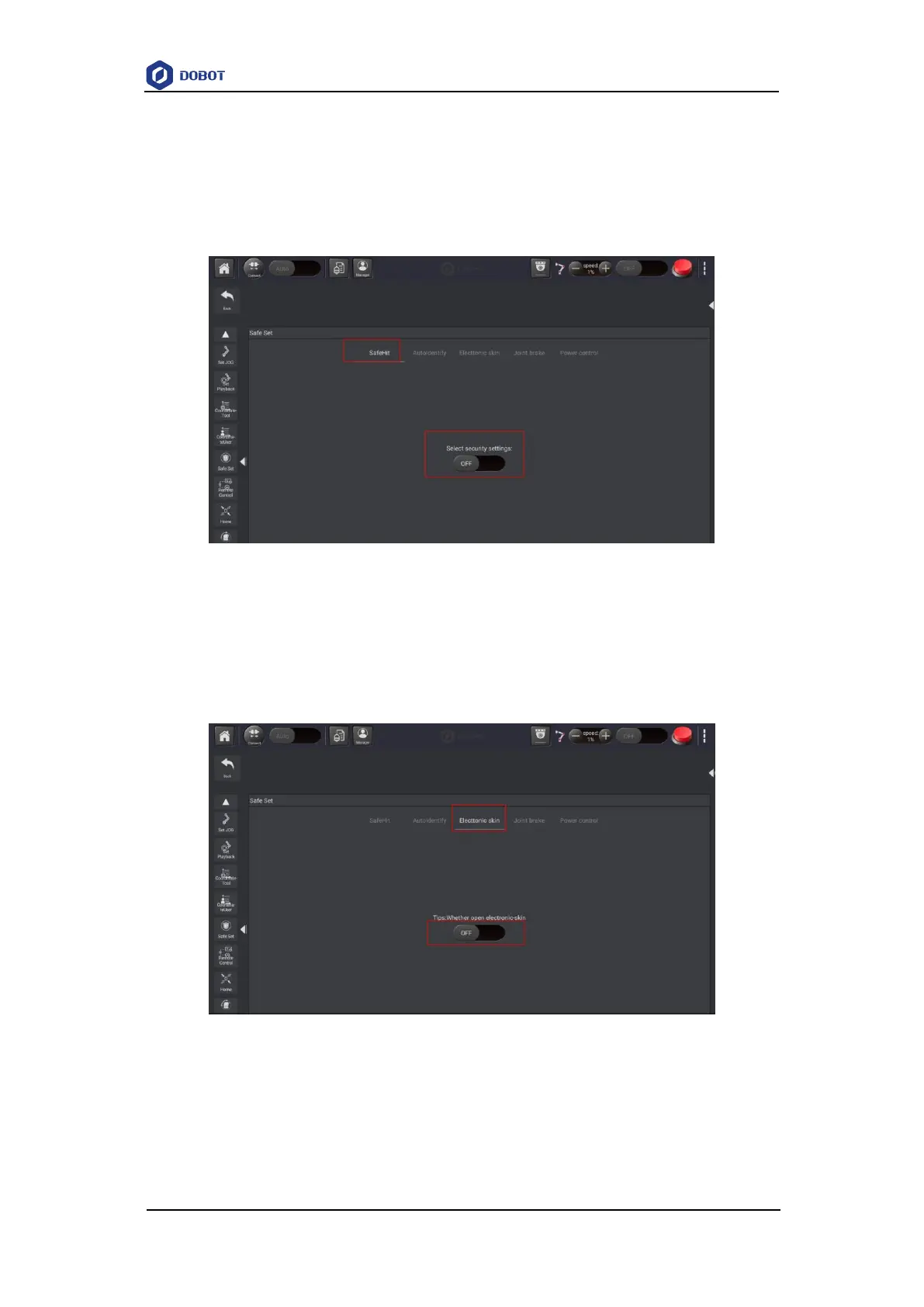
5.1.2.1 Safety Hit
If the collision detection is activated, the robot arm will stop running automatically when the
robot arm hits an obstacle.
Figure 5.13 Safety Hit
5.1.2.2 Electronic Skin
If the electronic skin function is activated, the robot will evade it when the robot hits an
obstacle.
Figure 5.14 Safety Hit
5.1.2.3 Joint Brake
After the robot is disabled, if you want to drag joints, you need to enable Joint brake function
to drag them.



 To Next Page